Create an IMAP Email Asset
To begin, you'll create an IMAP email asset.
Swimlane assets hold your configuration and authentication information for connecting to third-party vendors.
To create an IMAP email asset:
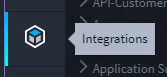
Log in to Swimlane with your Chrome browser. From the global navigation menu, select Integrations. Important! Contact your Swimlane support or sales representative if you do not have log in credentials for Swimlane.
- Select the Assets tab and then, from the Integrations taskbar, click the plus icon to create a new asset.
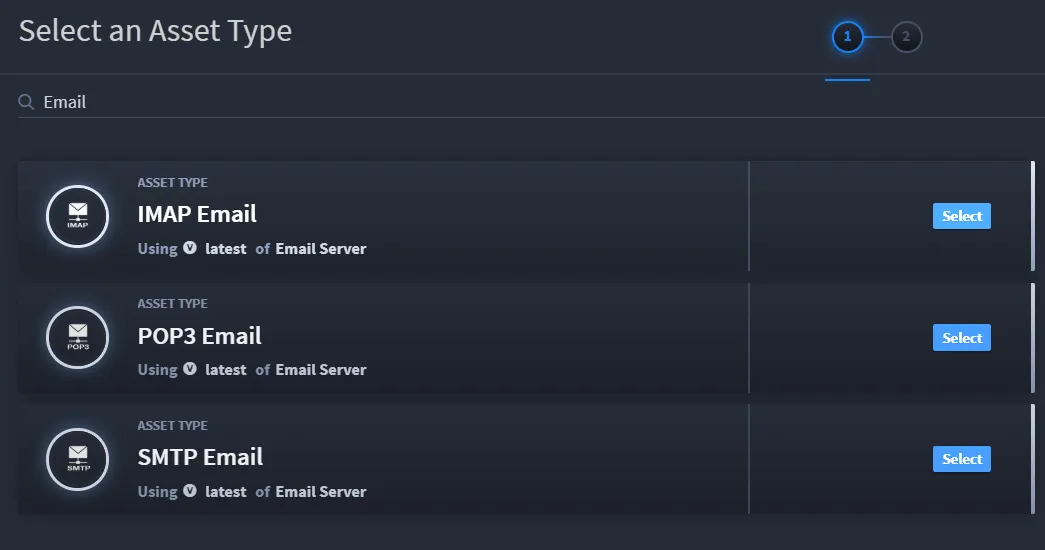
In the Select an Asset Type window, filter for Email, and then click Select on the IMAP Email asset.
Under Asset Parameters, ensure that the Use SSL field is enabled and fill out the required Host and Port fields. In addition, complete the User and Password fields.
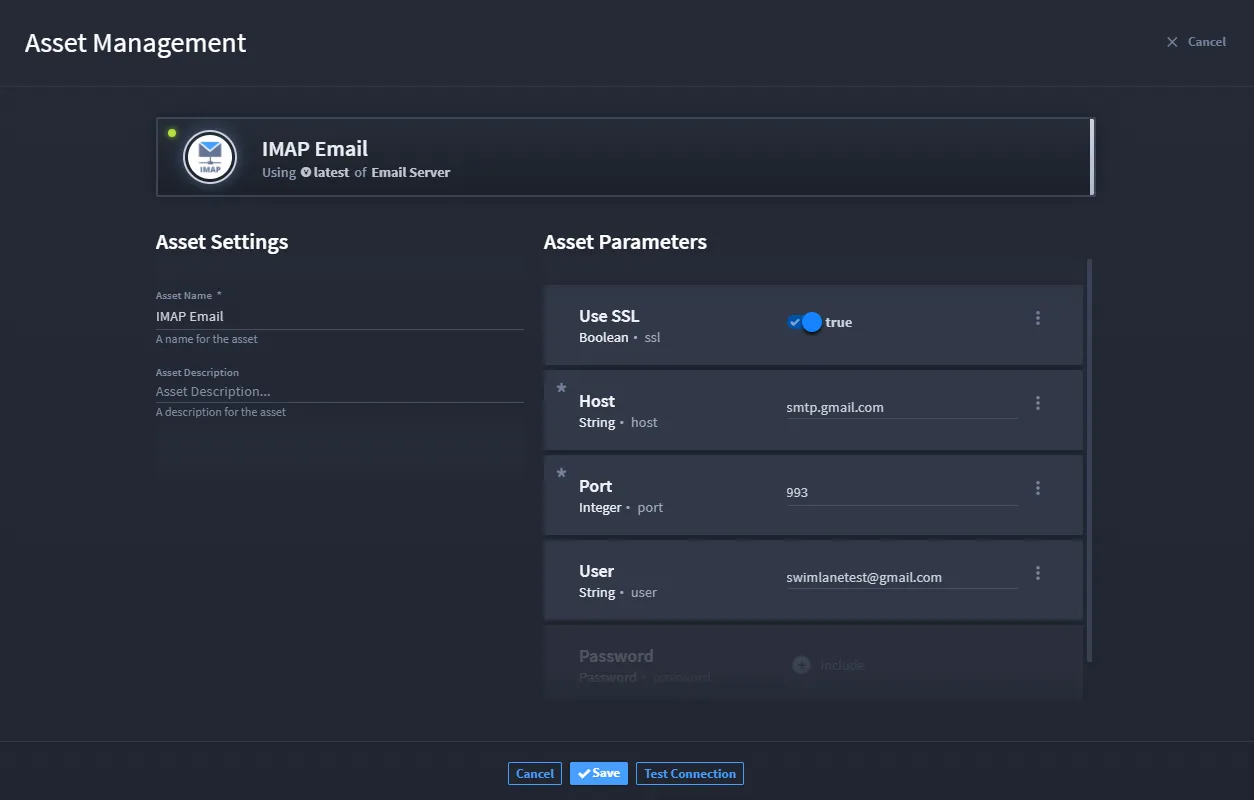
Note: The user and password you use here need to be real assets that you have access to!
Next, click Test Connection.
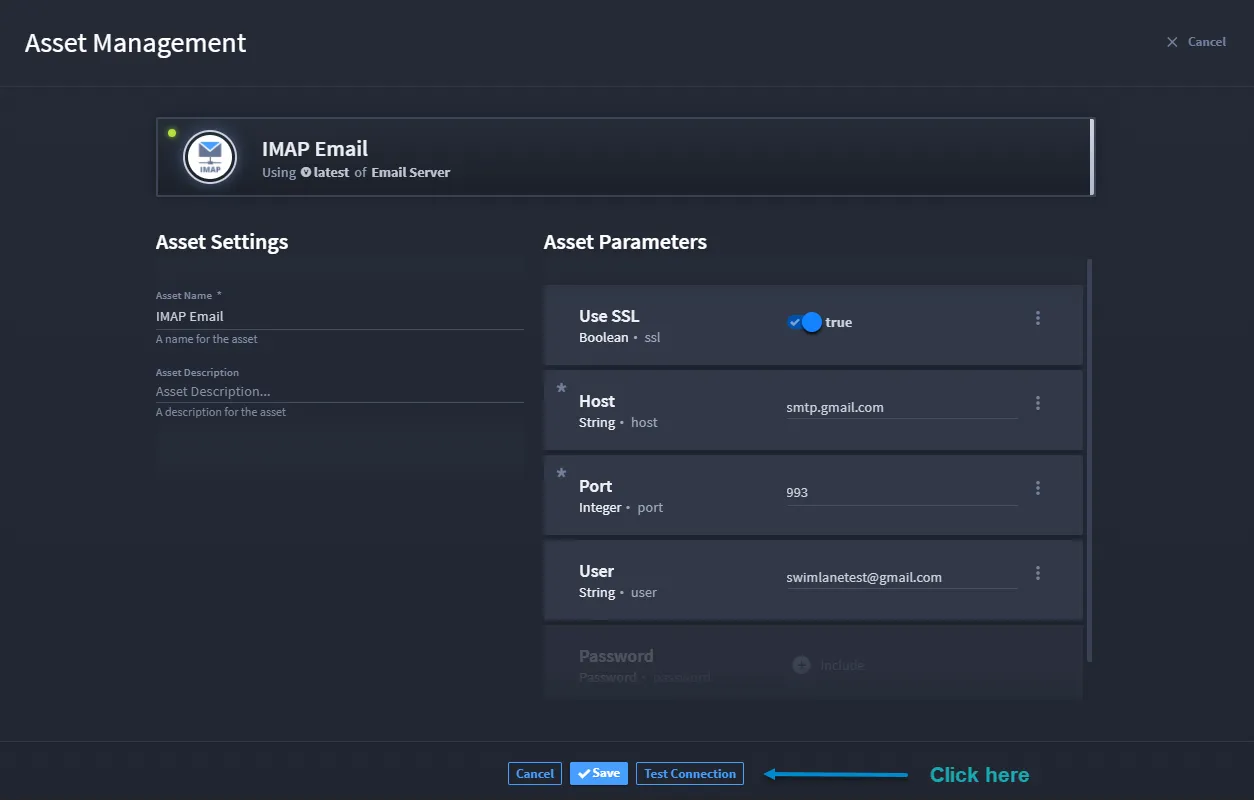
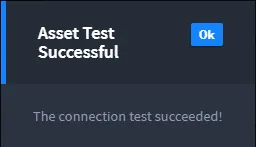
Once you receive a message that the connection test has succeeded, click Ok, and then click Looks Good to save your new asset.
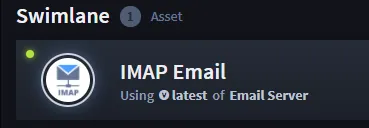
You can now see your asset listed under the Assets tab.
You are ready for the next step, which is to create an application to hold the email records we will eventually begin collecting through automation.
Related Links
Applications and AppletsApplications and Applets
AssetsAssets
IntegrationsIntegrations
PluginsPlugins