Create or Edit an Asset
Assets are reusable, structured, and product-specific objects that contribute to the success of Swimlane tasks by handling secure authentication and configuration specifications for external systems.
On the Integrations, Assets tab, you can view the assets that you have already set up. If you can't find a specific asset, consider looking through your uploaded plugins. You might need to upload a plugin that has the asset type that you are looking for.
Create a New Asset
To create a new asset:
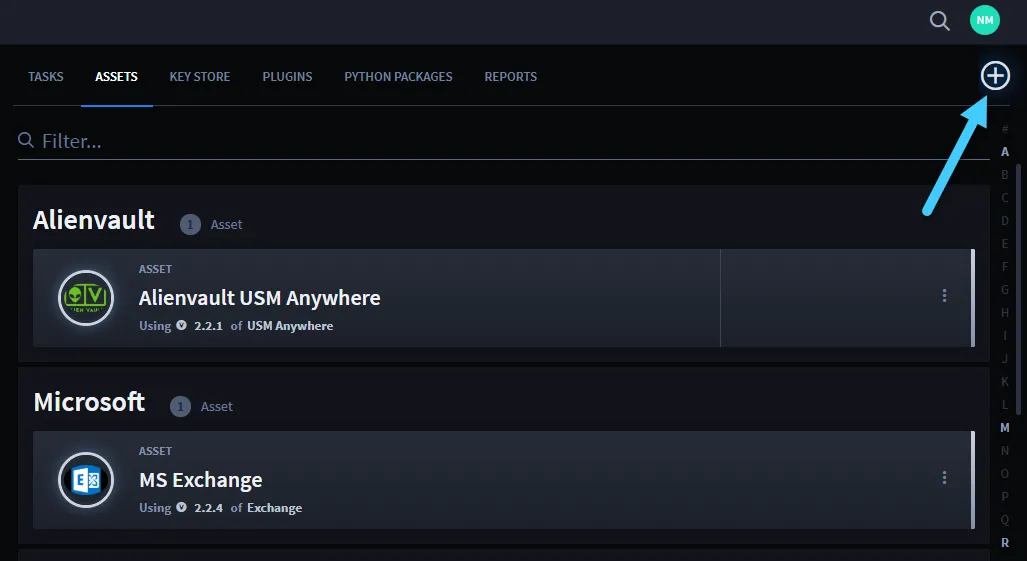
On the Integrations, Assets tab, click the plus menu icon.
On Select an Asset Type, review the available asset types. Once you find the plugin asset you need, click its Select button.
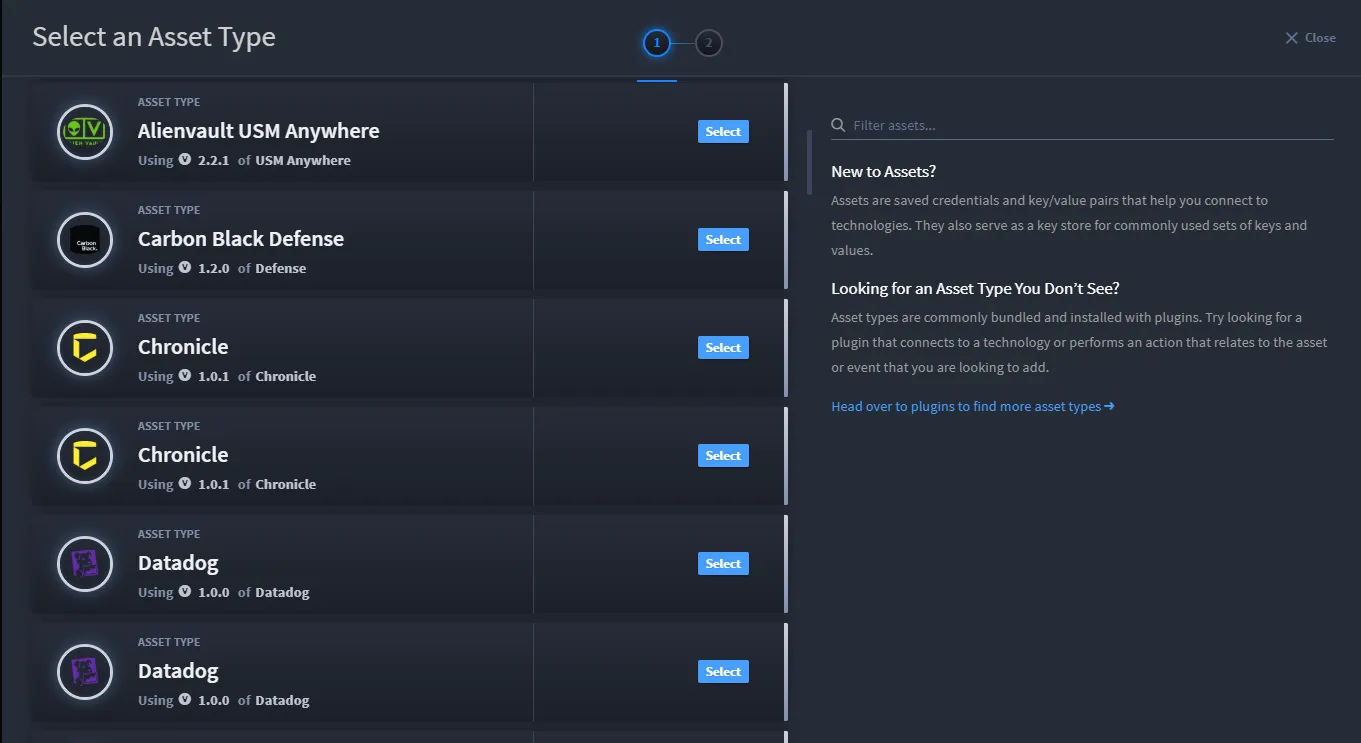
You can filter the assets to narrow your search.
On Configure Your Plugin Asset, set the asset's parameters. You can also edit the existing Asset Name and Asset Description, as needed.
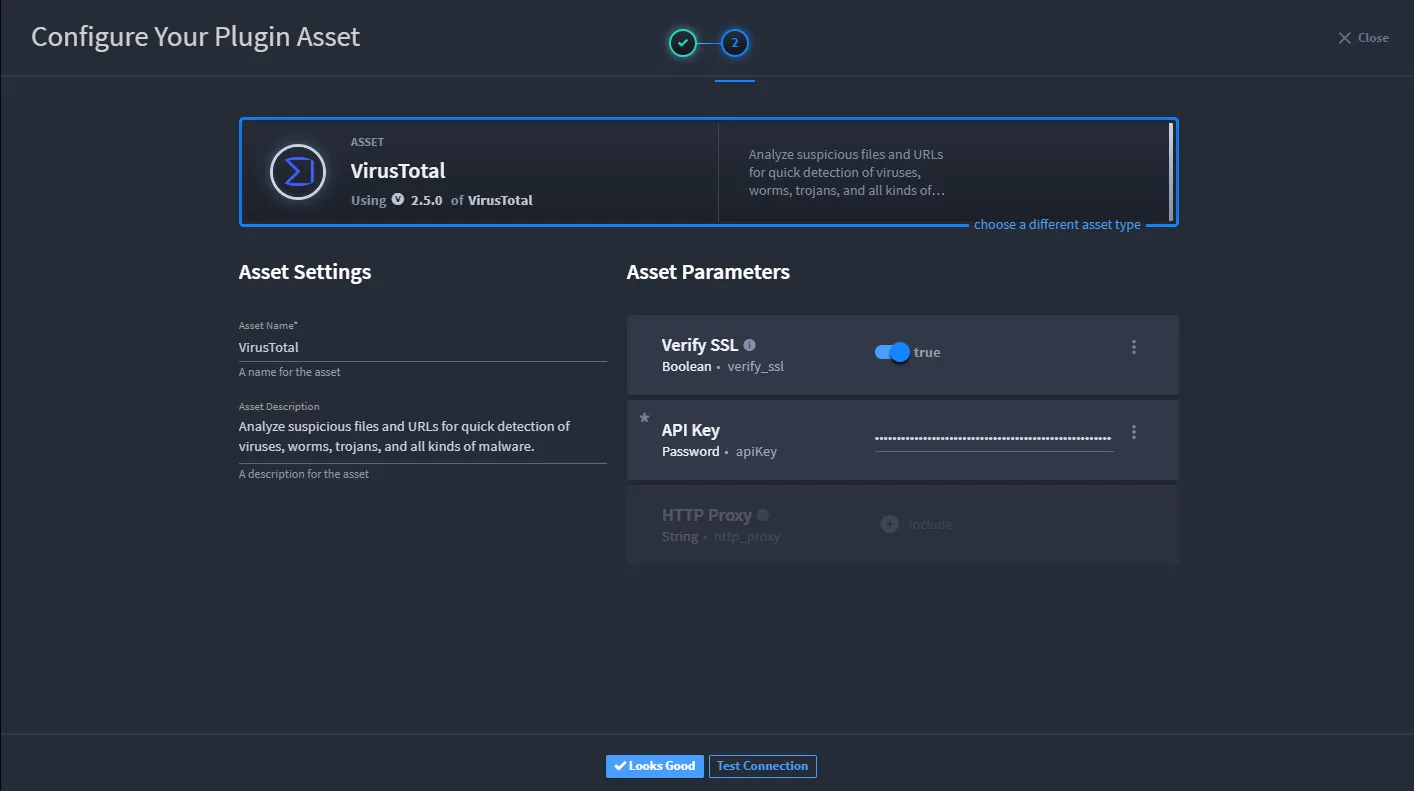
If the parameters you set on the asset include any API key or other connective details, you can test the active connection of the asset within Swimlane.
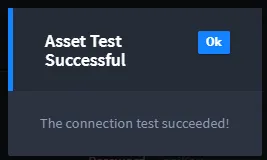
Click Test Connection and ensure you get the resulting "Asset Test Successful" message.
- On Configure Your Plugin Asset, click Looks Good.Once an asset is configured, it can be used with any new or existing task.
- Note: Tasks can require a certain version of an asset. For example, a task that talks to Elasticsearch 2 would require an Elasticsearch 2 asset.
Edit an Asset
To edit an asset:
- On the Integrations, Assets tab, locate the existing asset.
- Access the Asset Management page by clicking near the name of the asset.
-

- Now you can edit the parameters or asset name or description. Test the connection as necessary and then click Looks Good.
Delete an Asset
To delete an asset:
- On the Integrations, Assets tab, locate the asset.
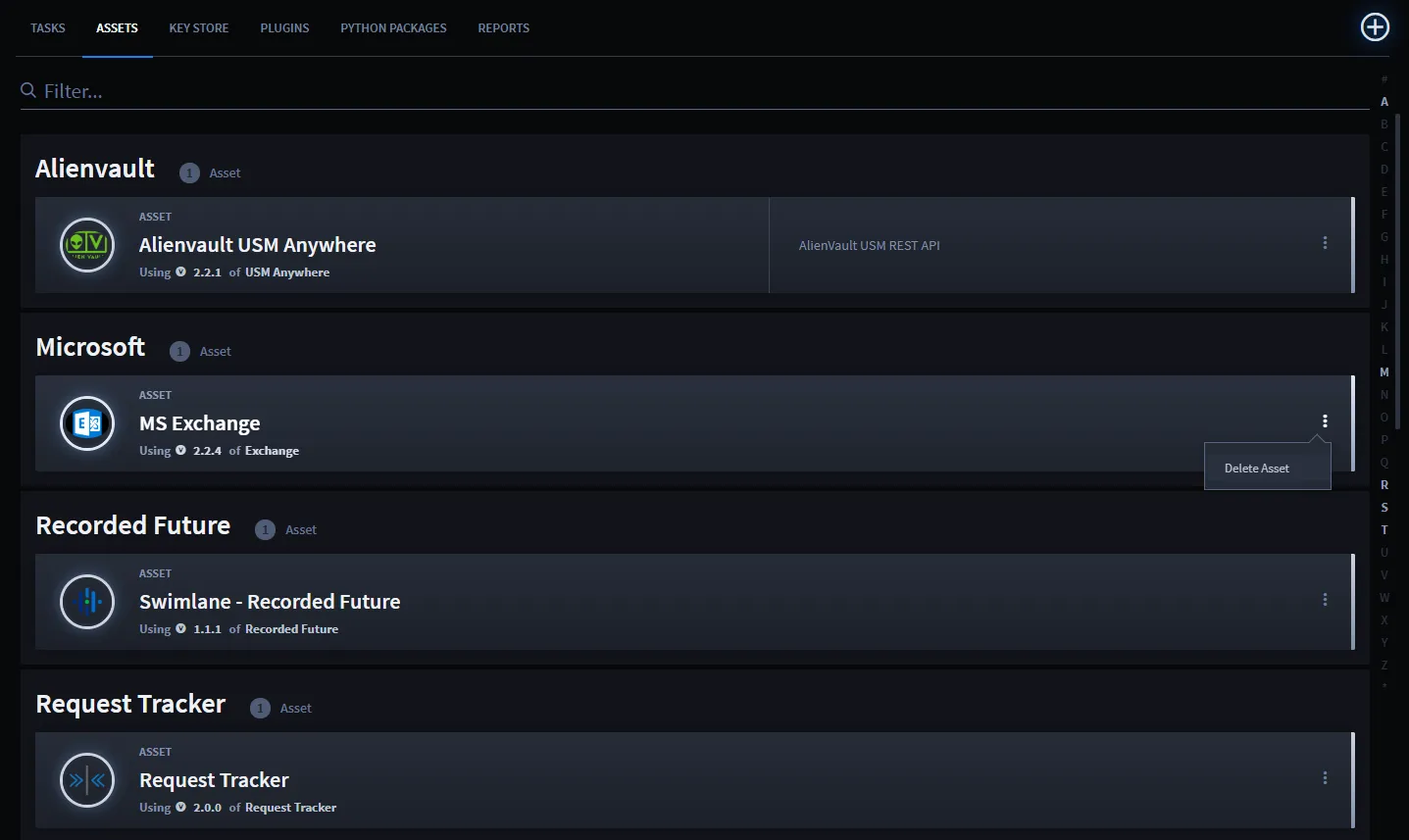
Click the ellipsis menu on the asset that you want to delete, and select Delete Asset.

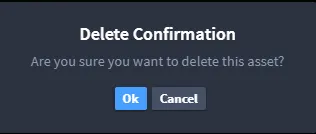
On the Delete Confirmation dialog, click Ok.