Export Record Data
You can export data as CSV files from your Swimlane application. From the Default Report taskbar, select Export.
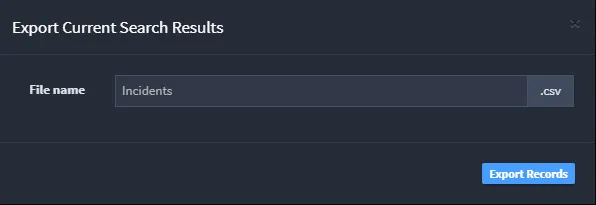
On Export Search, enter a name for the exported data and then click Download. The records are exported in CSV file format.