Customize Record Views
You now have one record in your new application. Records in Swimlane are organized within reports. Each application has a Default Report.
To see the report, hover over Application Records and click the name of your application.
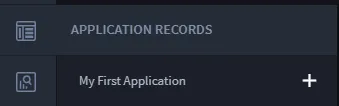
Now you can see the one record you just created in the Default Report for your application. Records are initially viewed only by Tracking ID, but you can customize the view of the report to add more context.
To customize record views:
To add more columns to the record layout, click Add/Remove Columns.
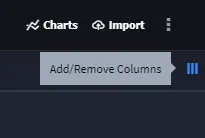
Each field that you added to the application is available to be viewed as a column.
Select all the columns and click Apply.

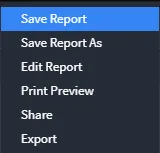
To save this view to the Default Report, from the Default Report ellipsis menu, select Save Report.
Related Links
RecordsRecords
Keyword Search and FilterKeyword Search and Filter