Create a Python Integration Task
One of the most powerful features in Swimlane is the ability to kick off an automation task. In this section you will create a simple Python task that you'll be able to launch via the click of a button and automatically. You will not only kick it off, but also pass a value from your record into the script, manipulate it, then pass the results back to your record.
The task you create will:
- Receive an input from a field in a record.
- Modify a variable of that field.
- Output the modified variable back to a record.
Create a Task
To create a python integration task:
From the global navigation menu in Swimlane select Integrations.
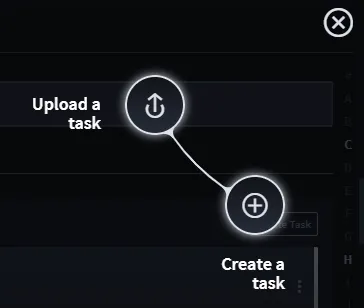
From the Integrations taskbar, click the plus menu icon, or New Task, and then select Create a Task.
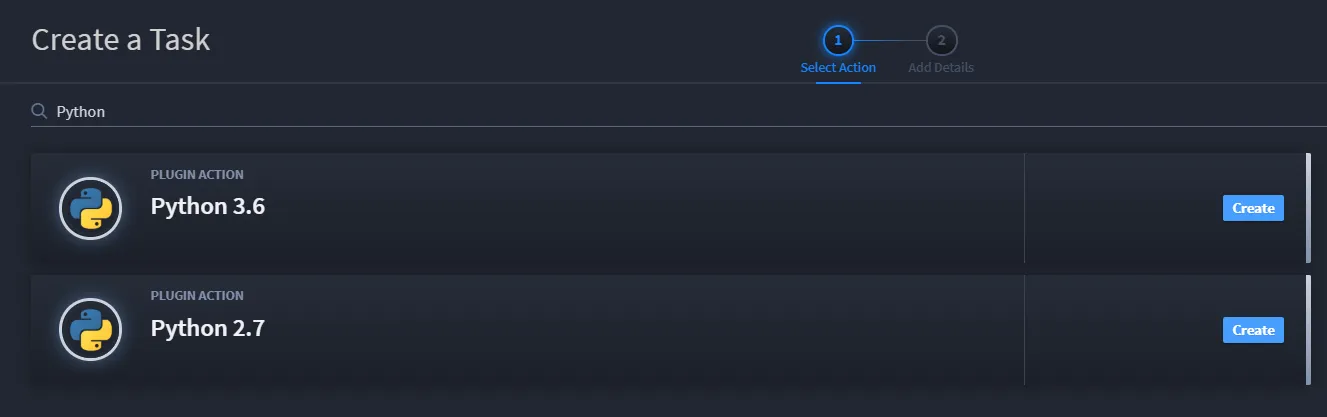
- When you create a new task, you need to specify the assets the task will use. Filter for Python and locate the Python 3.6 plugin action.
Next, click Create at the end of the Python 3.6 plugin action to begin creating the task.
Name your new task, and then associate it to your new application.
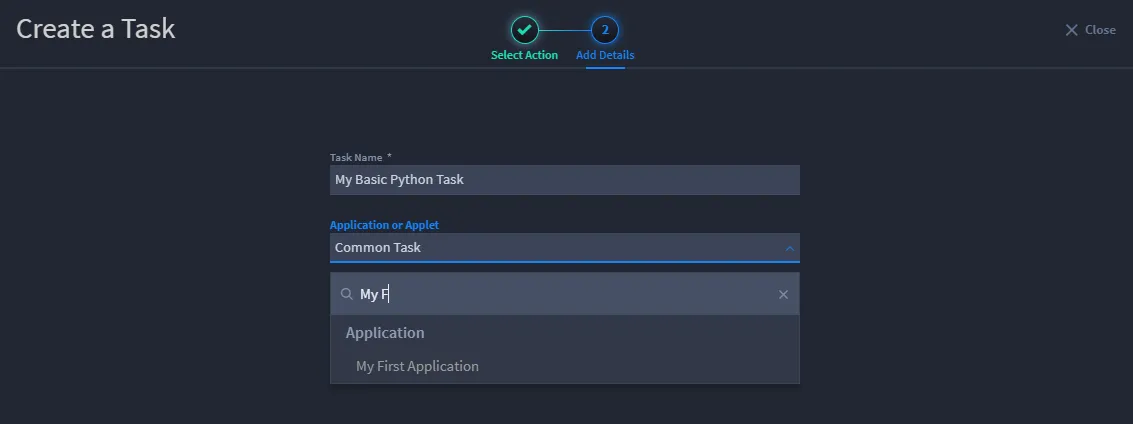
- On Create a Task, click Save.You now have a Python task associated to your application.
The task opens with the General tab. Enter a description on this tab, if you'd like, then click Configuration.
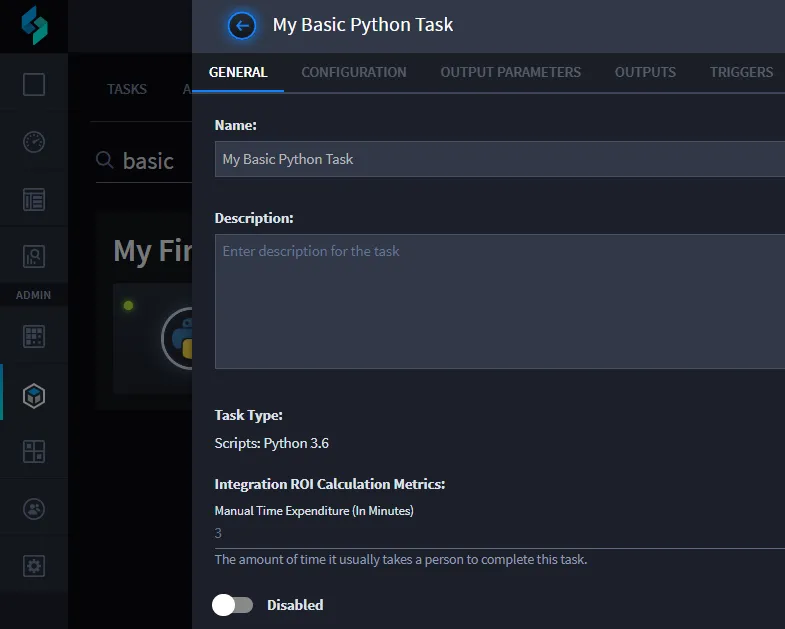
In the next sub-task, you'll specify the code and the field inputs for your Python integration task.
Configure and Map Inputs to the Task
- On Configuration, enter the following Python code:
my_input_var = sw_context.inputs['text'] my_input_var = my_input_var + " is the best" sw_outputs = [{'output': my_input_var}]
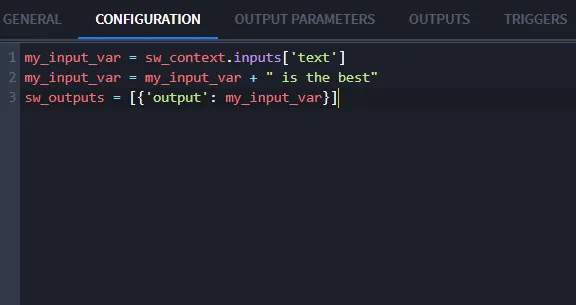
Next, you set up Swimlane to grab the value of the Text (2) field when the task runs. You do this by specifying an input mapping.
Below the Configuration window, under Inputs, click Add Parameter, then add the values shown here:

- Click Save.Next, you map a value from your Python script back to a Swimlane record, also known as creating an output mapping.
Map the Outputs from the Task
Click the Outputs tab. For this exercise, you'll be creating output mapping to update a current record. Click Update Current Record.
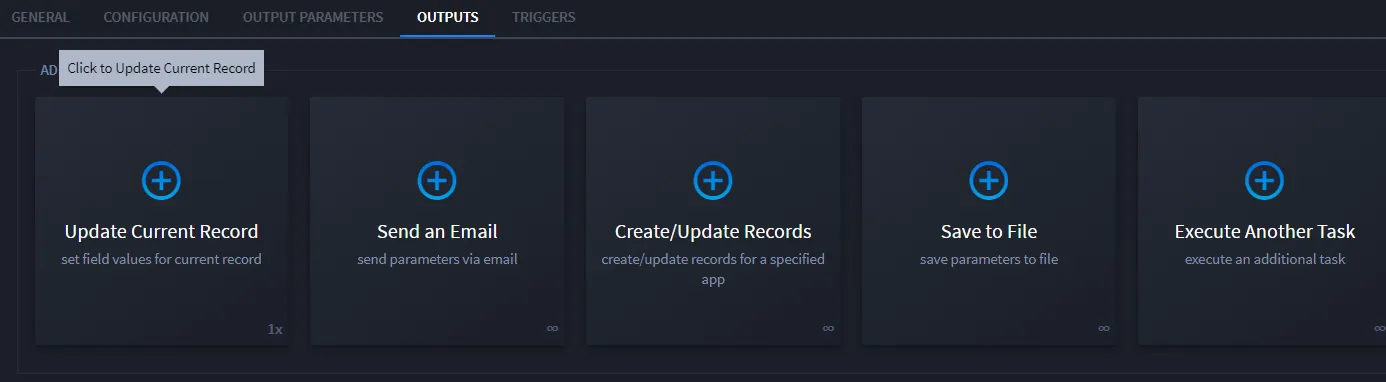
If you're interested in learning more about other ways to map output, see Configure Task OutputConfigure Task Output.
On the next screen, which asks you, "How would you like to proceed?" select Map to Existing Fields.
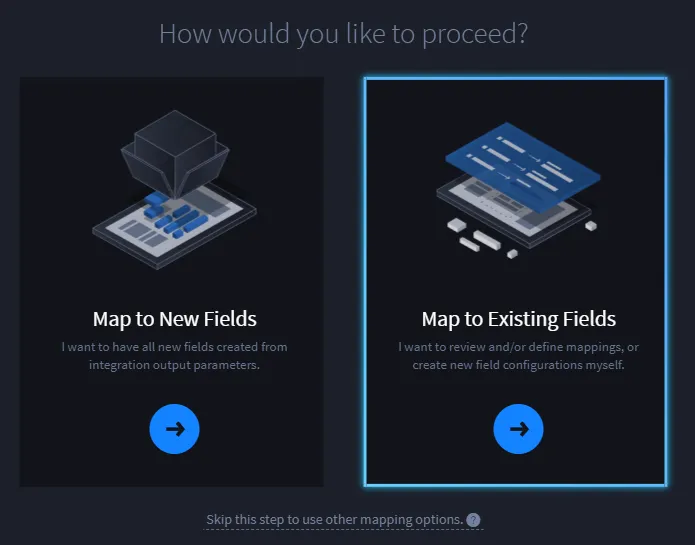
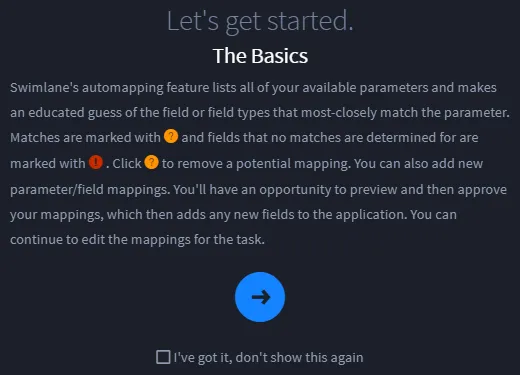
Click through the next screen, which provides you with introduction to mapping.
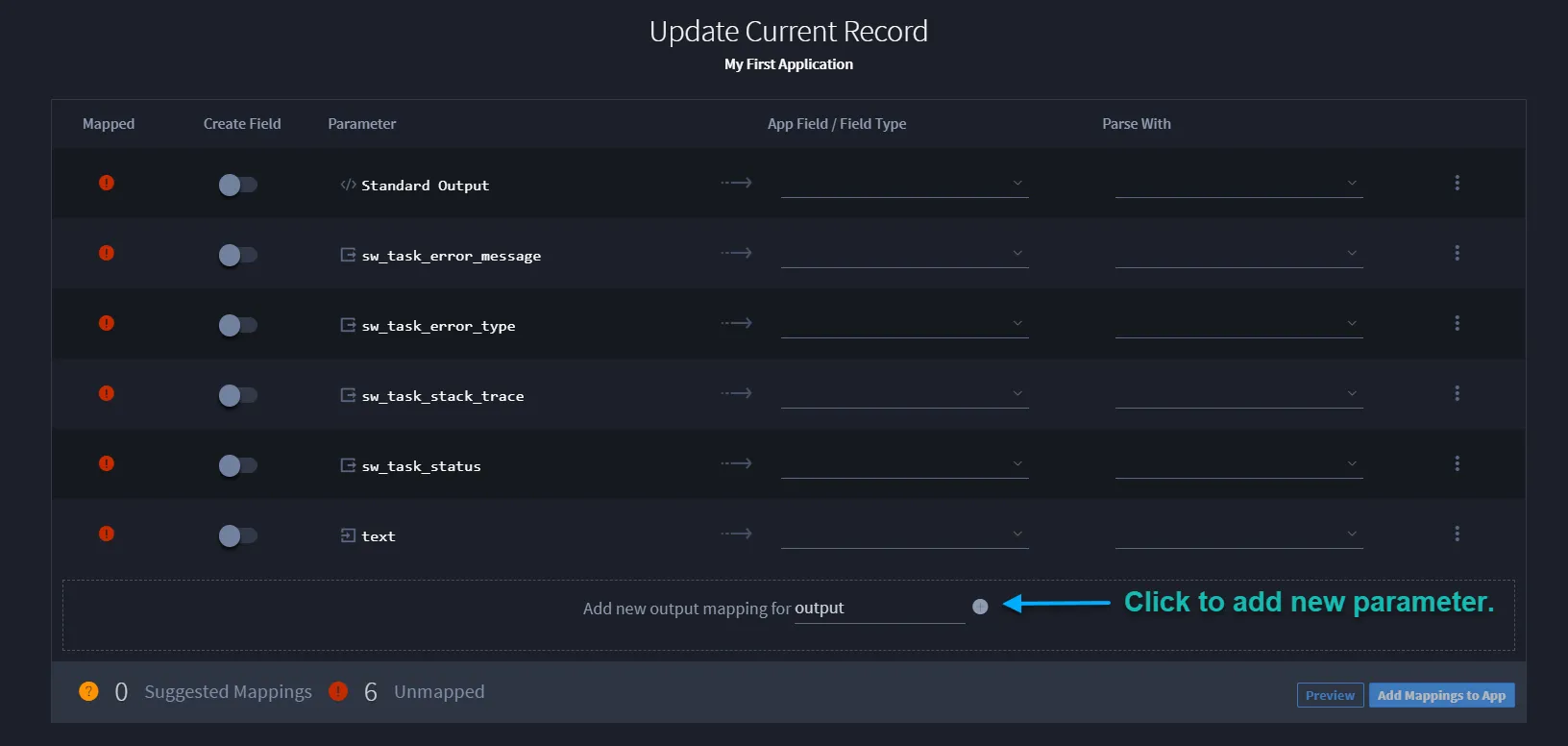
On Update Current Record for your new application, note that multiple fields have been identified as potential parameters. For this exercise, you don't need to map those parameters, but instead to create a new one.
Place your cursor in the text field preceded by the words Add new output mapping for ... and type "output" then click the adjacent plus (+) sign.
The output parameter is now available above. You need to map the parameter to a field, so from the App Field / Field Type pull down, select Description.
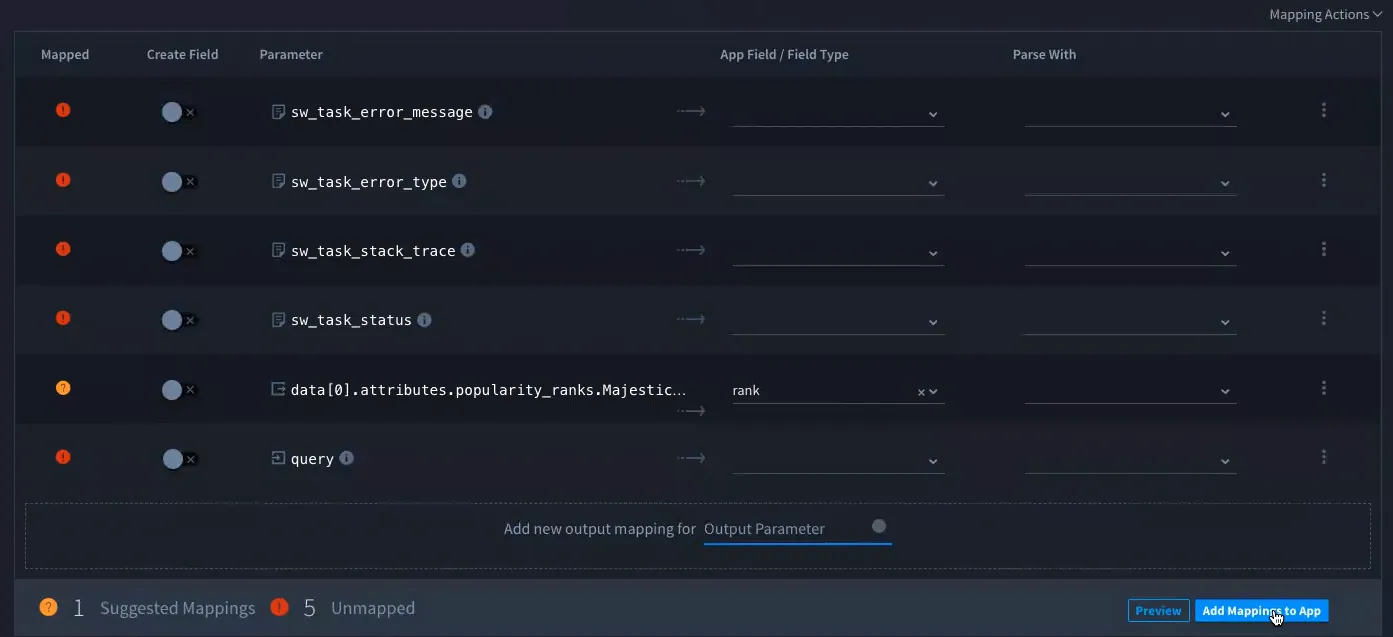
- Click Add Mappings to App.
On Approve Field Creation and Mappings, review the mapping, and then click Approve.
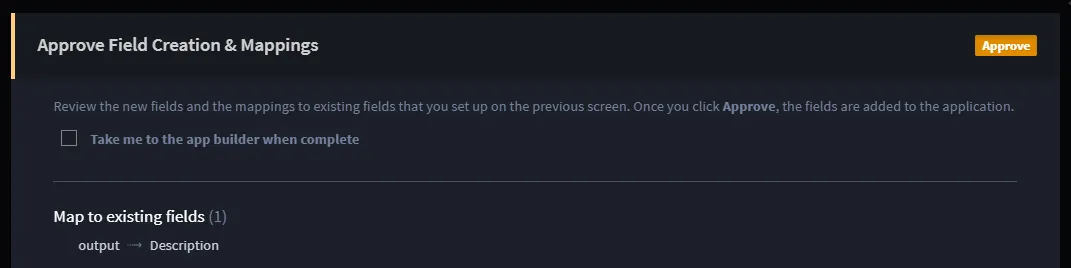
- From the Integration task bar, click Save.Next you'll set a trigger that will make the task run.
Set a Trigger for the Task
There are three ways to set triggers in Swimlane:
Trigger Type | Sub-type | Definition |
|---|---|---|
Automatic: | Scheduled | The trigger is scheduled, like a cron job. You specify how often the trigger is activated - minutely, hourly, daily, etc. This method is most commonly used when a task is collecting records from a database, slack channel, or email inbox, for example. |
| The trigger is activated upon email receipt. | |
| Record Save | The trigger is activated when a record is saved. |
Workflow | | The trigger is activated automatically when built into the workflow stages and actions. |
Manual | | The trigger is activated when the user manually pushes a button. |
For this exercise, we are creating a manual trigger.
To set a trigger for the task:
Click the Triggers tab.
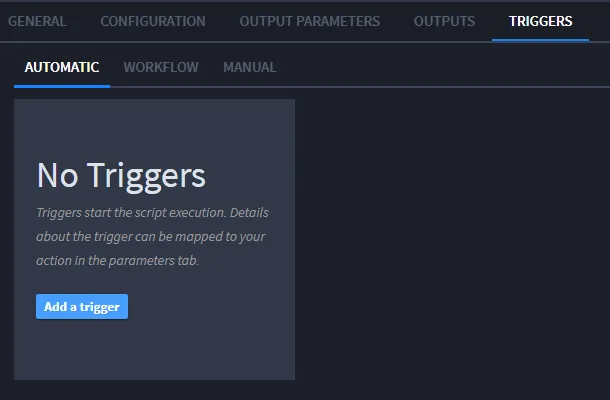
Click the Triggers, Manual tab, then click Open Application Builder.

Application Builder opens your application, where you will associate the Python task to the application.
Select the Integration field in the Application Form Layout, then access the App Settings.
On App Settings, access the Task dropdown and select your Python task, then click Save.
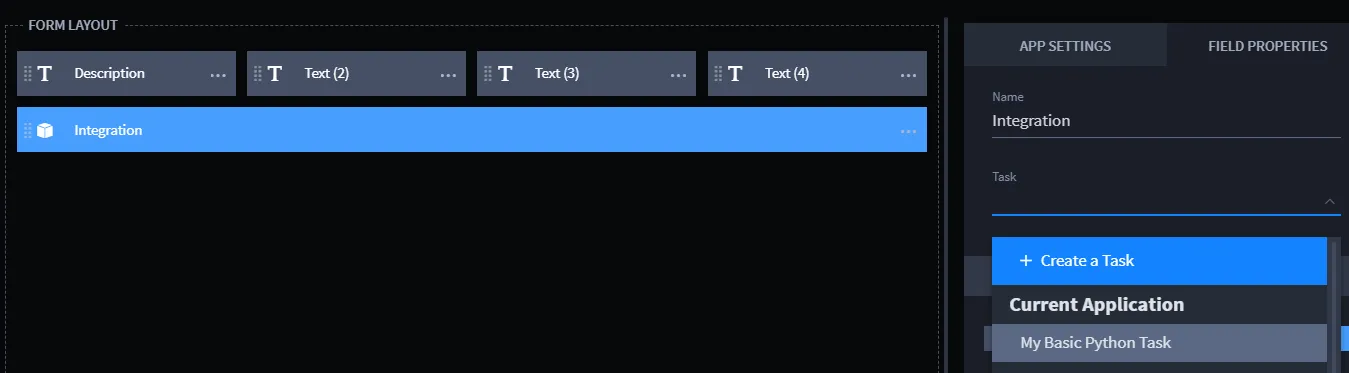
On App Settings, you can also specify the size of the Integration button in a record. The example here is 100%.
Now you're ready to test your automation.
Related Links
Configurations and Input MappingConfigurations and Input Mapping
Output MappingOutput Mapping
TasksTasks
TriggersTriggers
WorkflowWorkflow