Test the Latest Automation in Records
To test the latest automations in records:
From the global navigation, hover over Application Records and select + to add a new record.

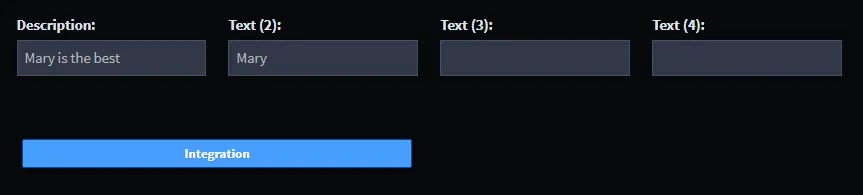
On New Record, enter your name in Text (2).
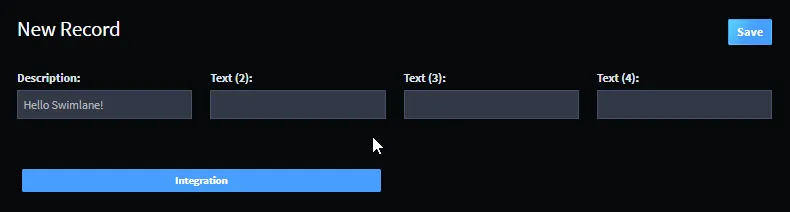
Tab out of the Text (2) field, then click Integration.
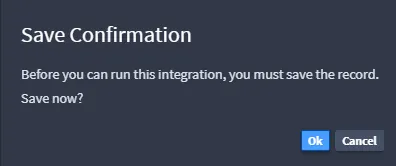
You will be prompted to save the record. Click OK.
Swimlane saves your record, and then runs the integration task. You'll receive notification when the integration task has finished.
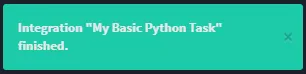
The integration task has changed the Description field text. Take a look!
Related Links
IntegrationsIntegrations
RecordsRecords
WorkflowWorkflow