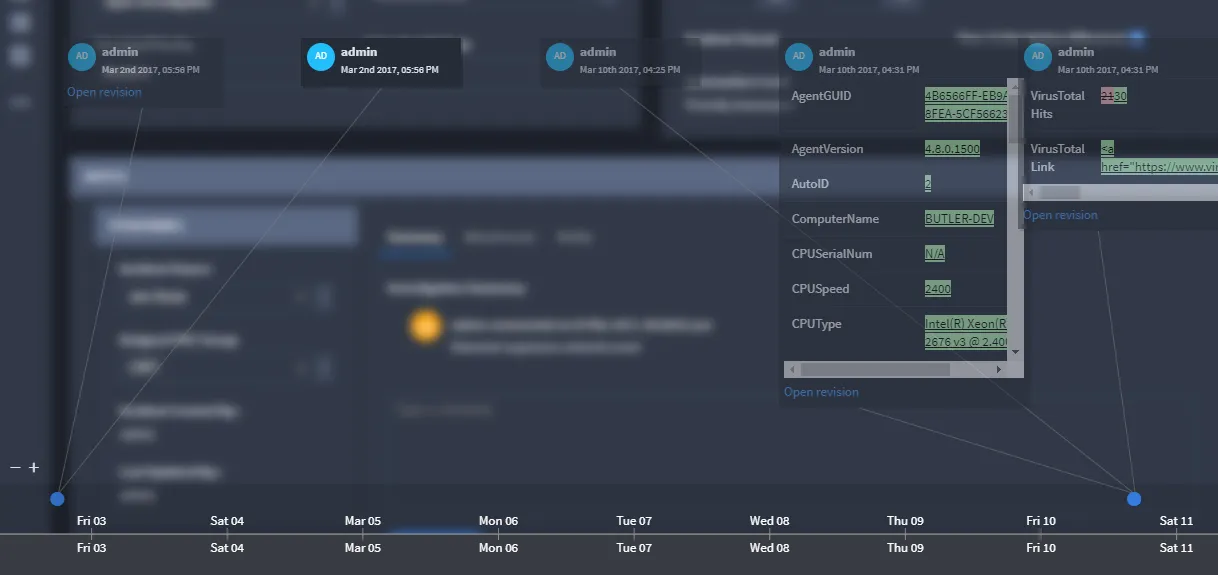
View Record History
You can view the history of any record. Select a record, then from the Record taskbar, pull down the Record menu and select History.
This opens the Record History Timeline, where you can view:
- Fields that have changed.
- Previous and current values of changed fields.
- Who initiated changes to the record and fields. The user is shown as the display name and username, in the form Display Name (username). A deleted user still shows the last known display name, with an indicator that the user was deleted. A deactivated user shows an indicator that the account is deactivated.
Modifications to the record are automatically captured, including:
- Manual User Edits
- Integration Record Modifications
- Workflow Modifications
- Bulk CSV Updates
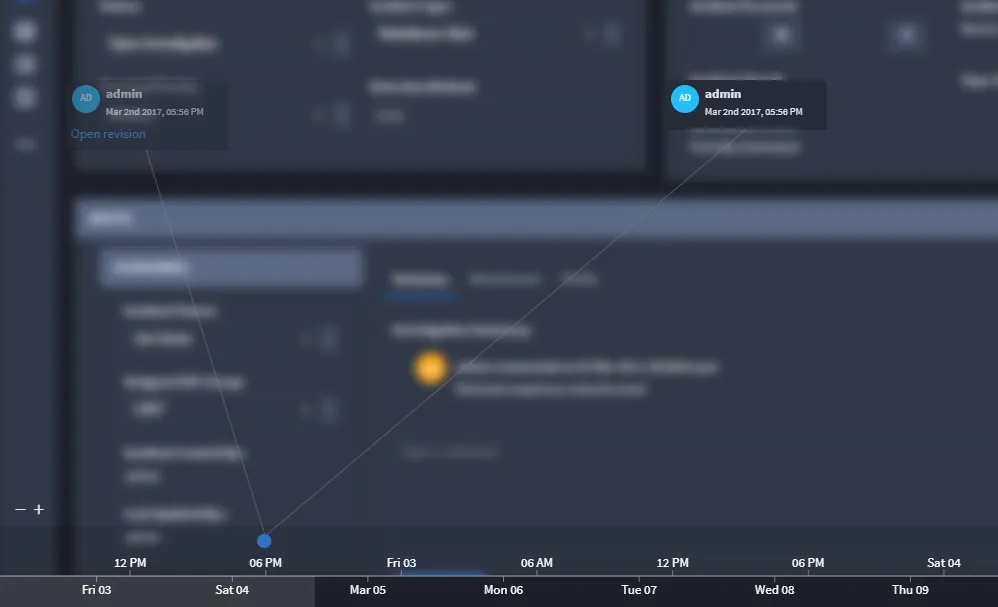
You can adjust the timeline window to a larger or smaller time window. Use the zoom in (+) and zoom out (-) icons.