Upload Scripts and Tasks
To import existing Python or Powershell scripts to Swimlane, click Upload Tasks/Scripts on the Integrations toolbar and then follow the instructions in the UI.
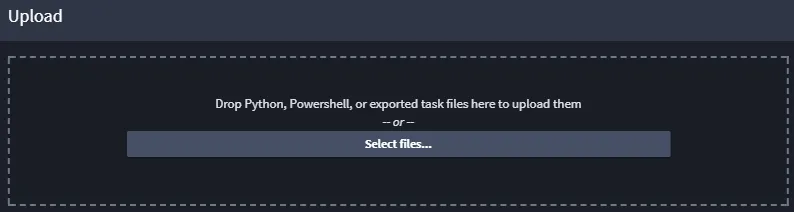
Next, you assign the script or task to an application, and then click Upload.
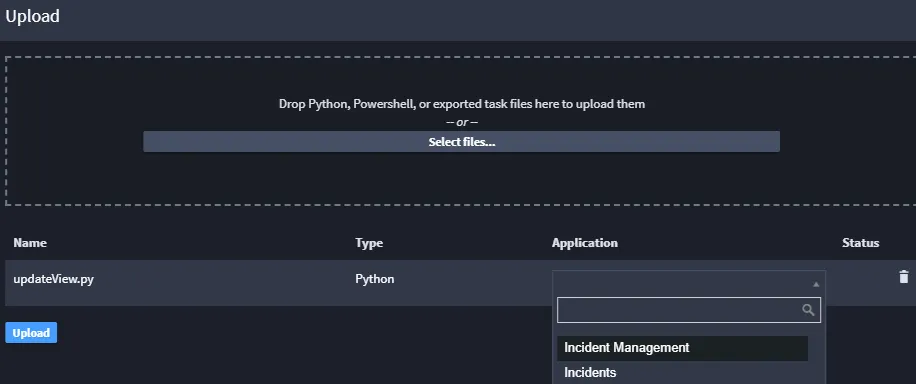
The content of the script is then used to create a task of the same type as the script. Uploaded tasks (for example, .json files) are recreated as a task within the specified application.
Be aware that you might need to further configure the task to handle inputs and outputs after uploading.
Previously exported tasks can also be uploaded.