Preliminary Diagnostic Data for Integrations Troubleshooting
This documentation will guide you through gathering preliminary diagnostic data for troubleshooting integration failure issues.
- Are all the integrations failing or just a few or one?
- Identify which type of integration(s) is(are) failing:
- Is this a Python script, a forked task, or a plugin task?
- If this is a plugin task, what is the plugin name, version, and name of the task that’s being used?
- What failure errors are you getting when the integration fails?
- Do you see any errors in the UI when the integration fails?
- Check the most recent logs from Swimlane logging:
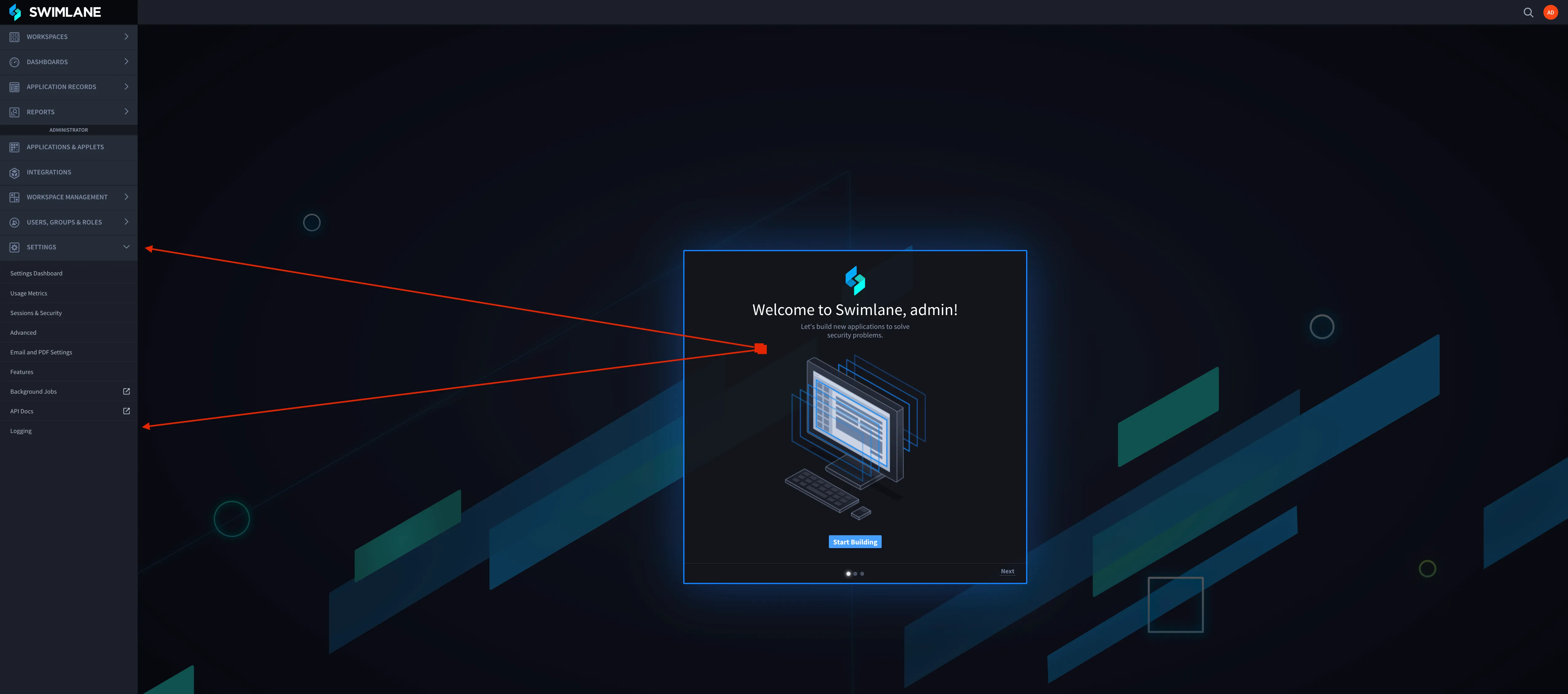
- Replicate the issue and capture a HAR file:
- Follow the instructions on this link to extract the HAR file.
- Take screenshots of the most recent jobs from the Hangfire Deleted queue and provide the full stack trace of the error.
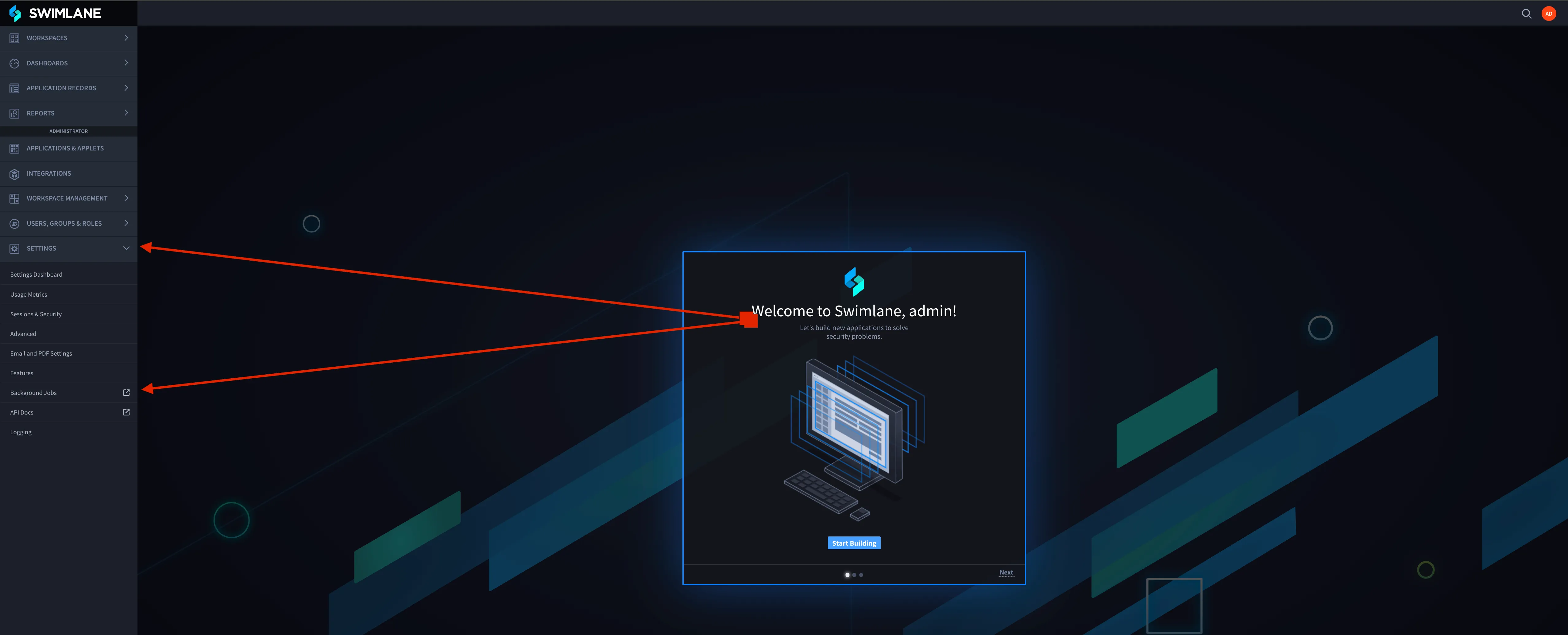
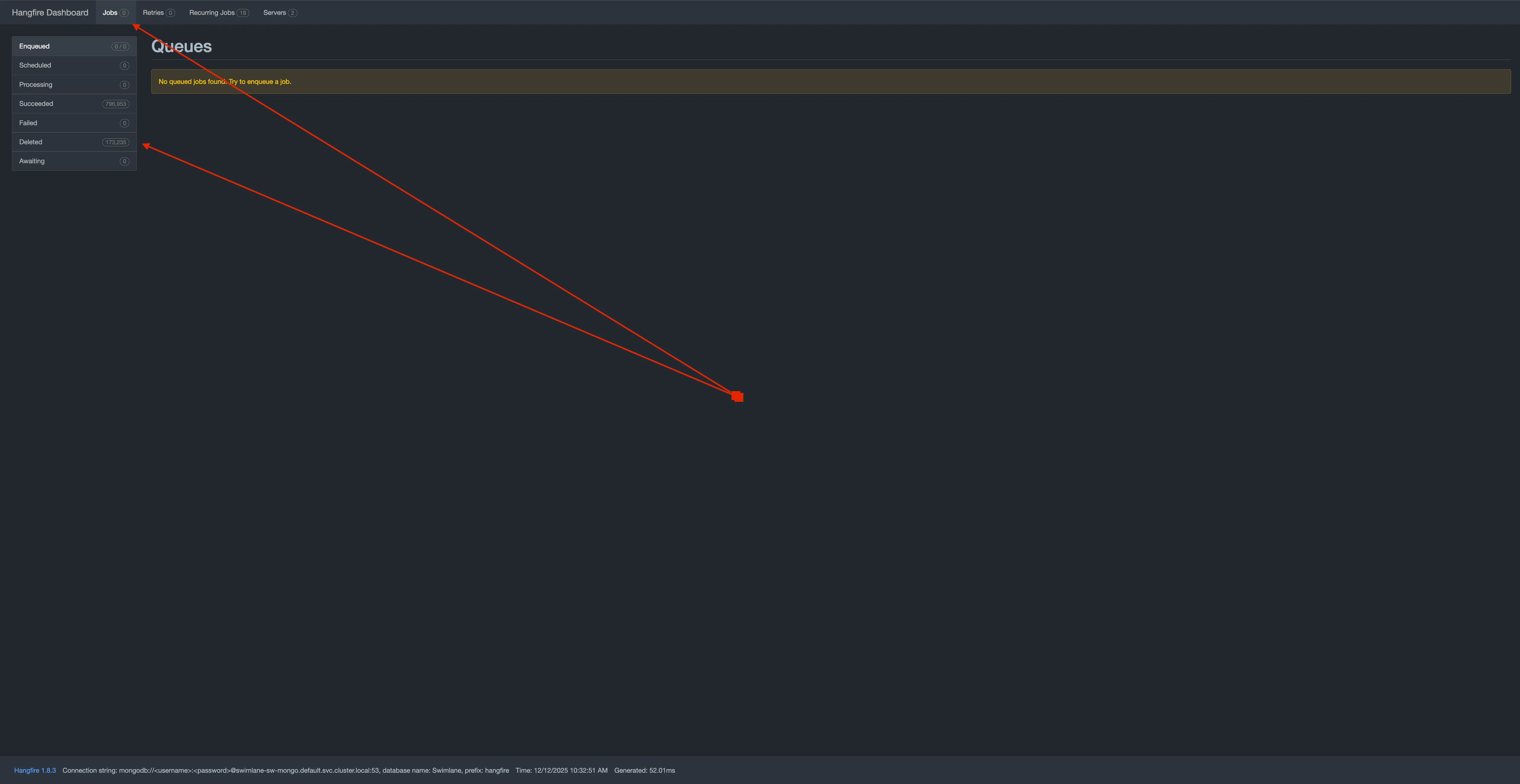
- Connect to MongoDB by accessing the Mongo shell or through Robo 3T, run the following query to find diagnostic info for the most recently encountered errors, attach its result to a text file, and share it with Support:
db.Logs.find({Level:'Error'}).sort({Date:-1}).limit(30).pretty()