How to open a task within Swimlane UI given the task ID
Following instructions provide you with the steps which you'll find out the tasks name when you know the task id.
- Open Integrations > task >select any task: # In the example below, we use SHMO-Re-Execute Task

- Please click on the link to the Open in full page.
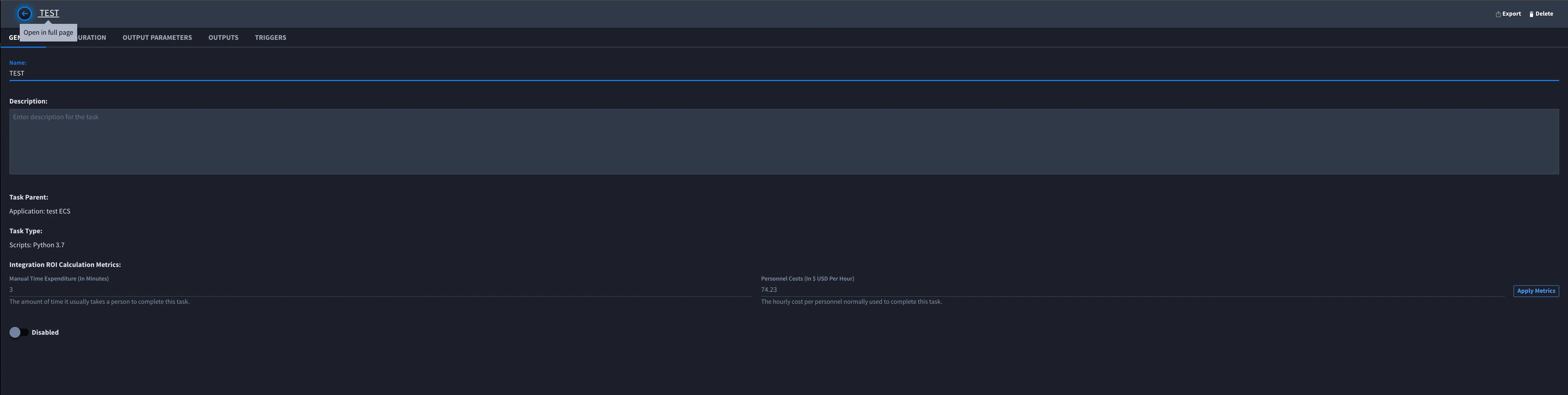
- In the Open in full page, you will see the URL on the address bar and the task ID. http://<your serve name>/integration/<appid>/task/<taskid>
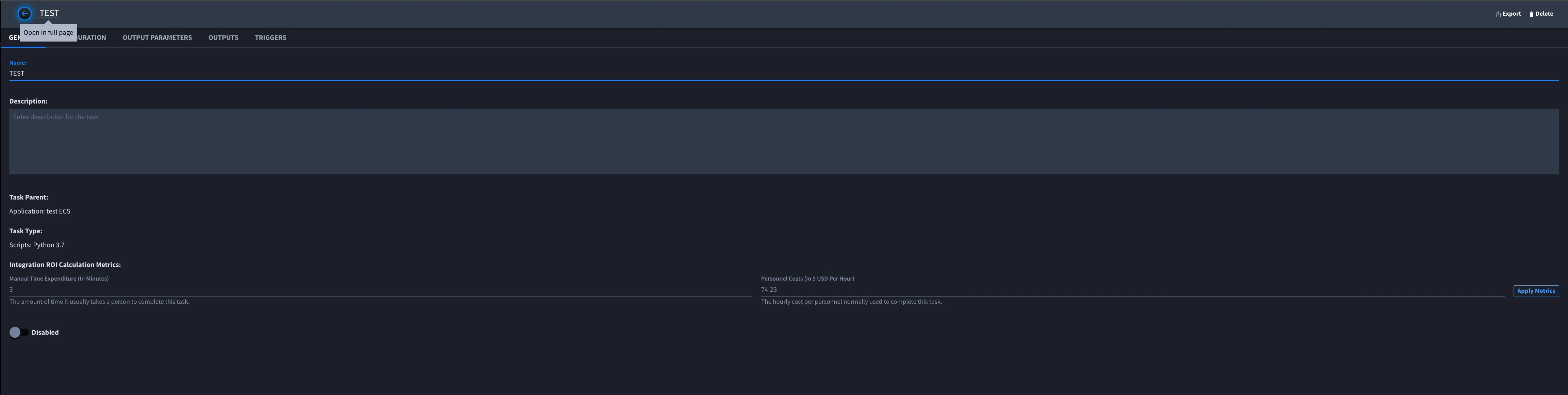
- Please replace the task ID where you found in hangfire and paste it to the above link in the <taskid> and press the enter key.
- The URL will take you to the targeted task name where linked with the task ID.
- Verify the task ID corresponds to the task name or not.
- If did not correspond to it, please refer to the following solution article.