How to remove an orphaned recurring job in Hangfire
If a task/integration is deleted but still appears in the recurring jobs tab within hangfire then you can follow the steps below to remove this recurring job associated to the deleted task/integration.

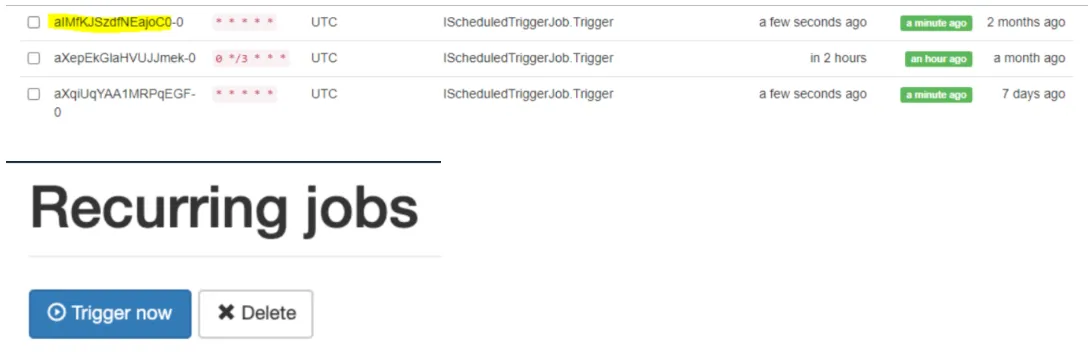
- When trying to open task "aIMfKJSzdfNEajoC0" in Swimlane UI, an error "Task not found" is displayed up on the bottom right side of the screen. (Please refer to How to open a task within Swimlane UI given the task ID)

- This happens when a task is removed but the associated recurring job doesn’t get removed. This can be confirmed by running the following query in MongoDB:
db.getCollection('Tasks').find({_id: '<TASK_ID>'})
- If there are no results, then the task doesn't exist and the recurring job can be removed manually using: Hangfire -> Recurring jobs -> Select the job -> Press Delete