Create or Edit Workspaces
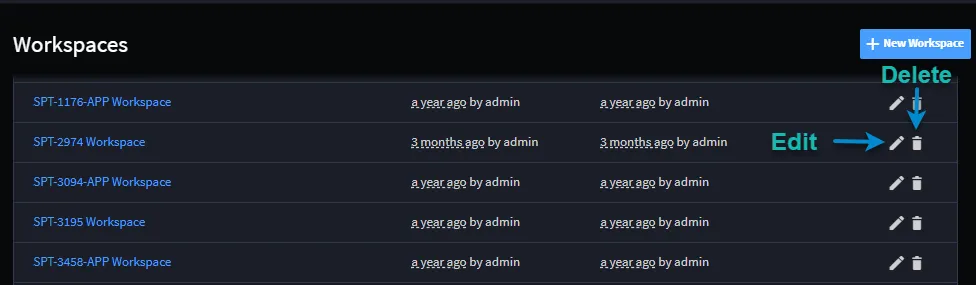
You can create, edit, and delete workspaces from the Workspaces list page.
To create a new workspace, click +New Workspace. Define the general information about the workspace and set permissions as needed.
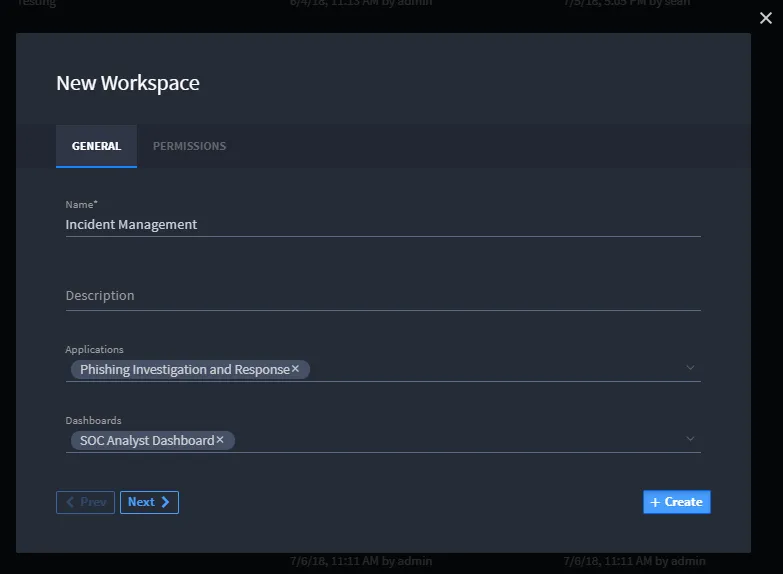
When you create a new workspace, you can specify the following:
- Display Name
- Description (Optional)
- Linked Applications and Dashboards
- Manage Permissions
To edit existing workspaces, click the pencil icon and to delete existing workspaces, click the trash can icon.