Setting Up Login Settings
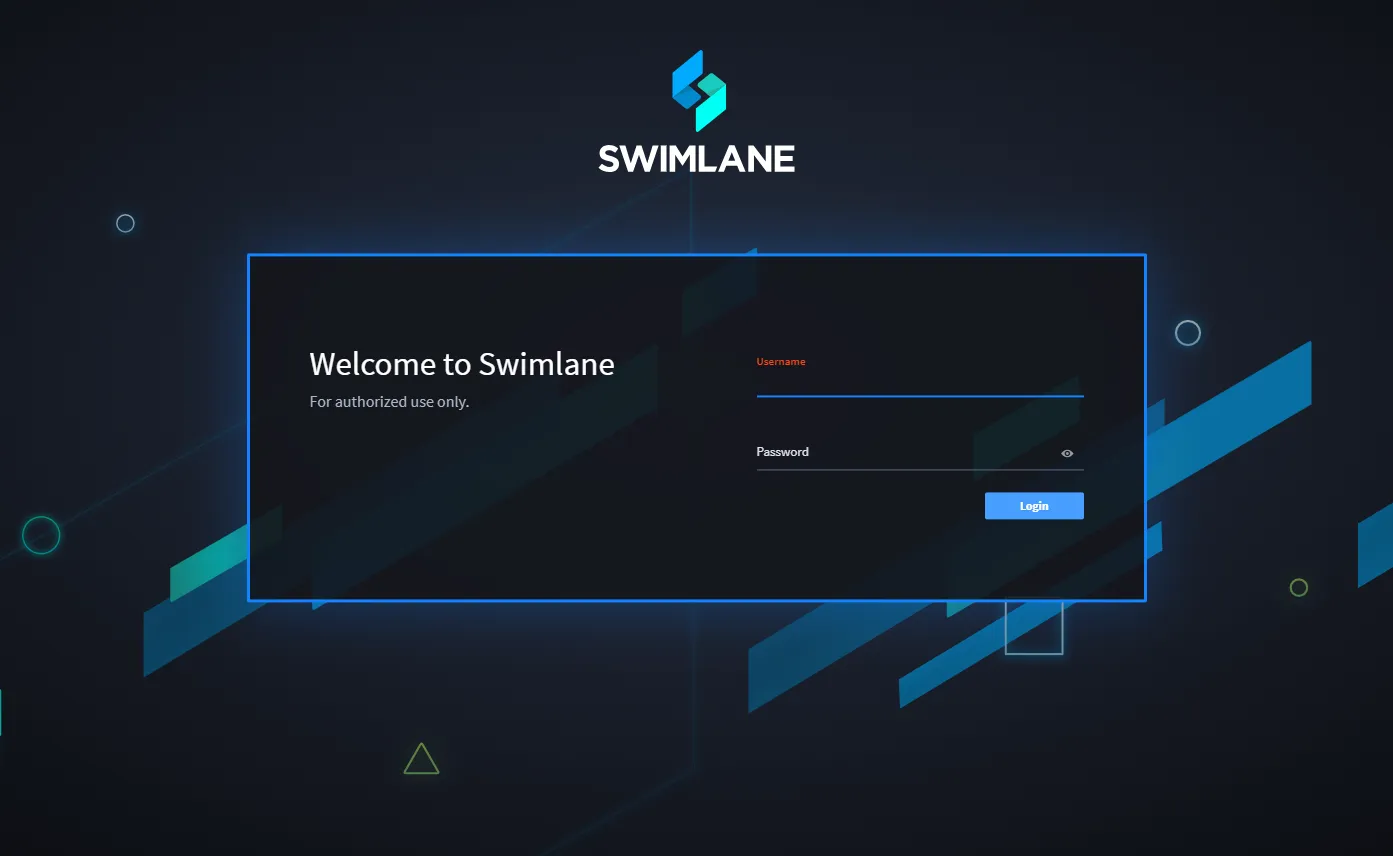
As an administrator, you can include banner text on the login page for legal notices or announcements for your Swimlane users.
To set up login settings:
From the Sessions and Security dashboard, click > to expand Login Settings.
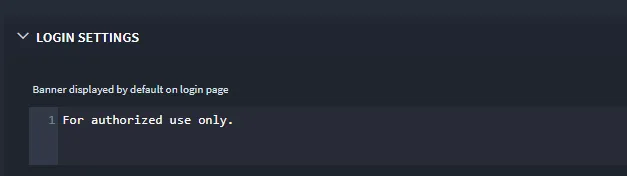
Enter text as needed in the editor and click Save.
The text you enter here is displayed as a banner on the Swimlane login page.