Reporting Issues Involving Applications
When reporting an issue to Swimlane Support, it’s necessary to provide a copy of the apps that are problematic along with their associated tasks as well as the steps to replicate the symptom. This will help us determine the issue faster and provide a resolution quickly.
Follow these steps to download the app:
- Click on ‘APPLICATIONS AND APPLETS’ to view all your applications.
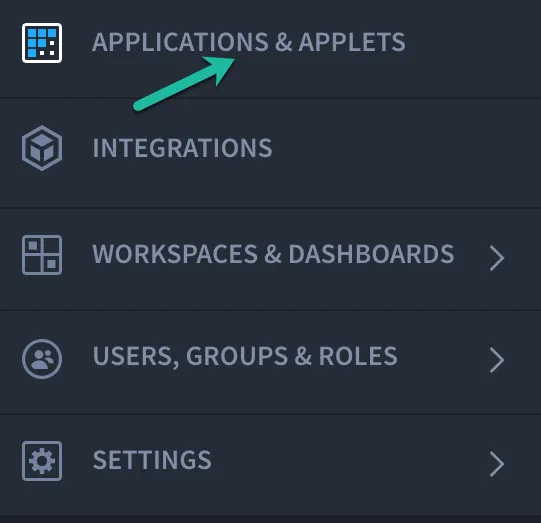

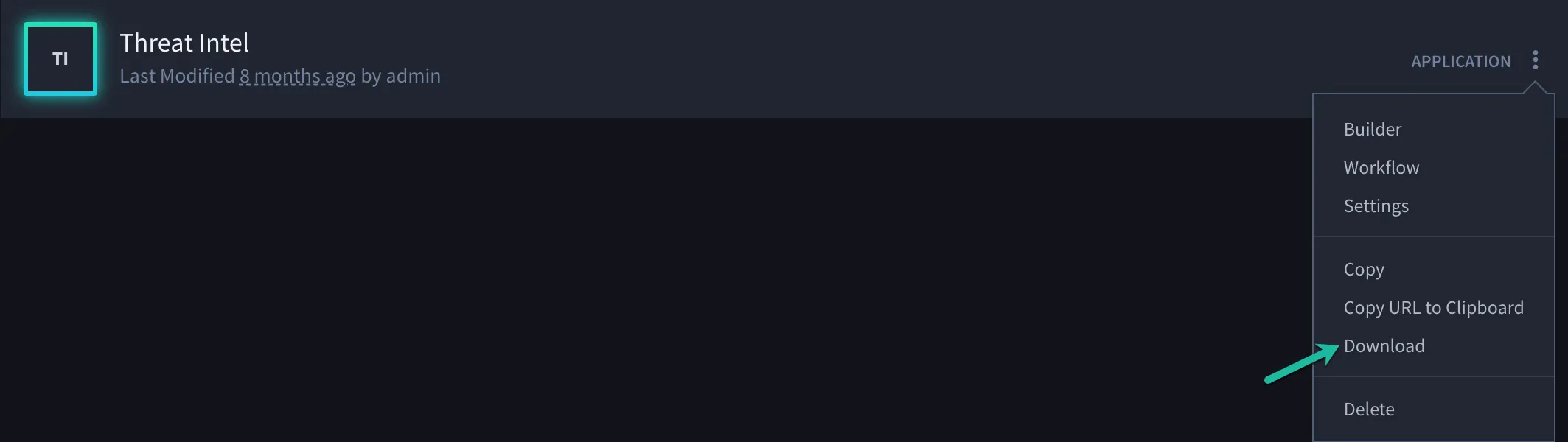
- Find the problematic application and click on the menu button next to the app.

- Click on ‘Download’ to download the .json file of the application.
- Attach the file to the ticket for our investigation.
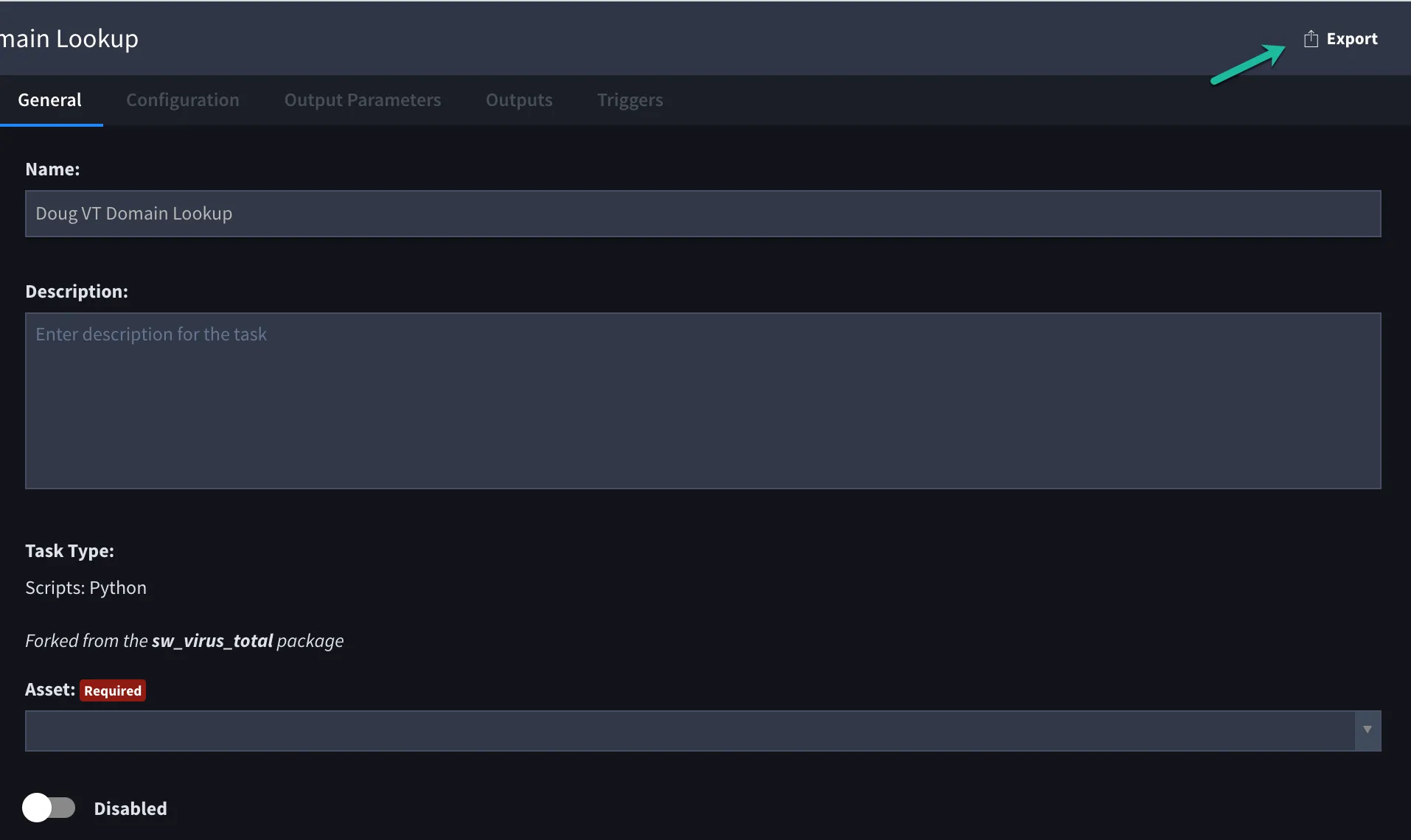
After you have attached the apps to the Support ticket, please attach the tasks. You can do this by going to the list of tasks and exporting all the tasks that are associated with the app. Click on the ‘EXPORT’ link on the top right:
Now that you have the apps and tasks attached to the tickets, please share the steps to reproduce the symptom on our end. Also, please confirm your current Swimlane version, platform (i.e. Linux or Windows), and infrastructure (i.e. Standalone or HA/K8).