Lookup and Create References within Records
You can select which field(s) to reference from within a record. A reference field on a record, whether single-select, multi-select, or grid, is accompanied by a New and Lookup button adjacent to the reference field.
For more information about reference fields in general, see ReferenceReference.
Creating a New Record to Reference
To create a new record to reference:
From within an open record, locate the reference field, and then click +, or Add New.

- A record editor for the target application opens.
Fill out the target record data.

Looking Up References within Records
To lookup and create references within records:
Click within the field, or click the Lookup (Search) icon. Enter a keyword or search term and then press Enter to begin the search.
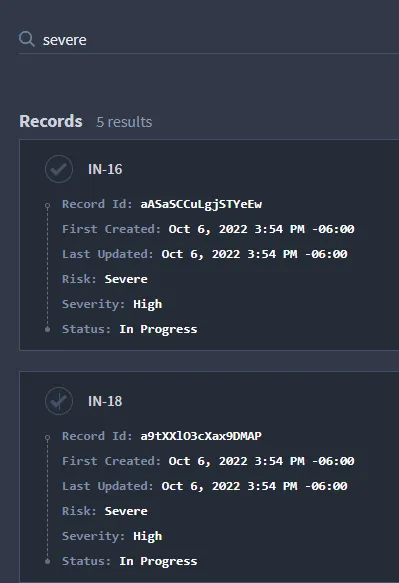
- The reference lookup searches for records within the referenced target application.
- Note: If your application contains many records, this search can take some time.
Once the search has completed, review the results and select the record(s) you want to display.
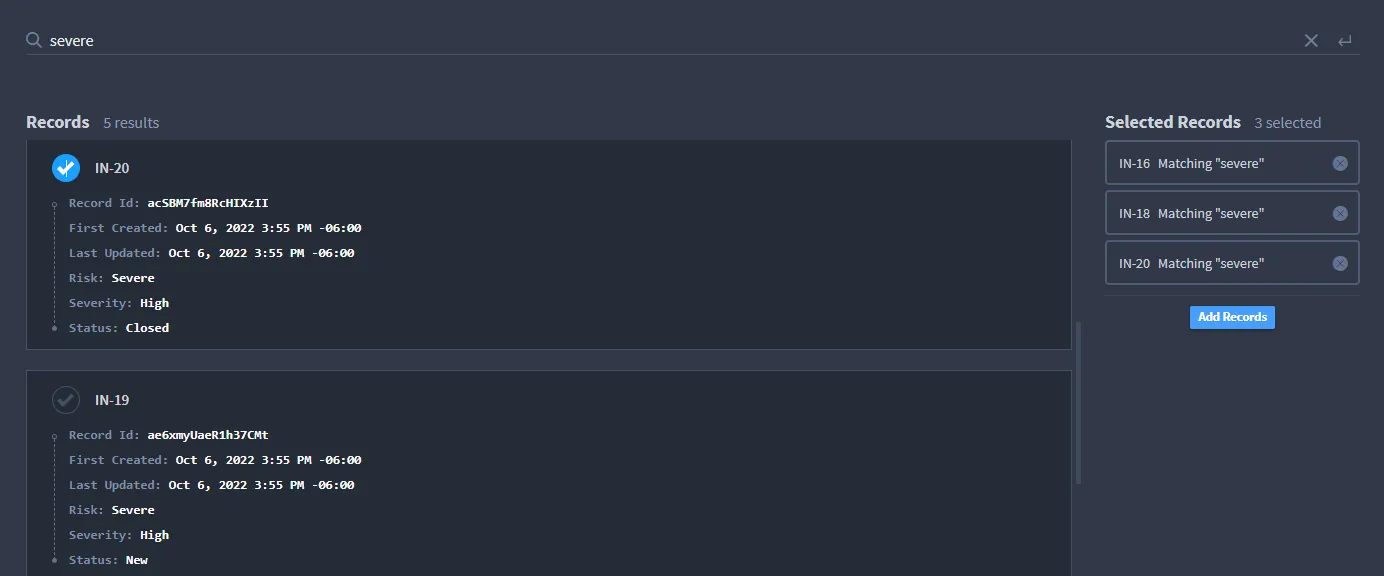
Review the selected records, then click Add Records to add them to your reference.
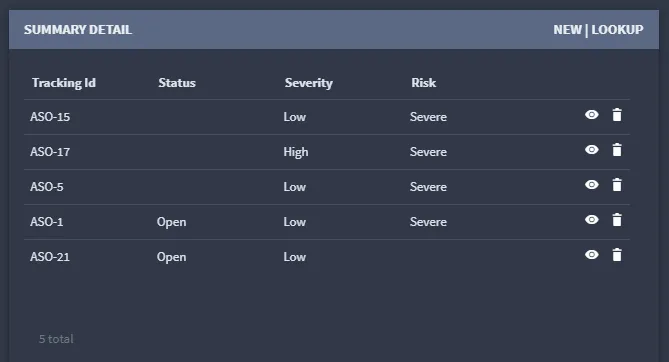
Reference lookups use the same search/keyword functionality as Swimlane global record searches. For more information, see Search Record DataSearch Record Data.