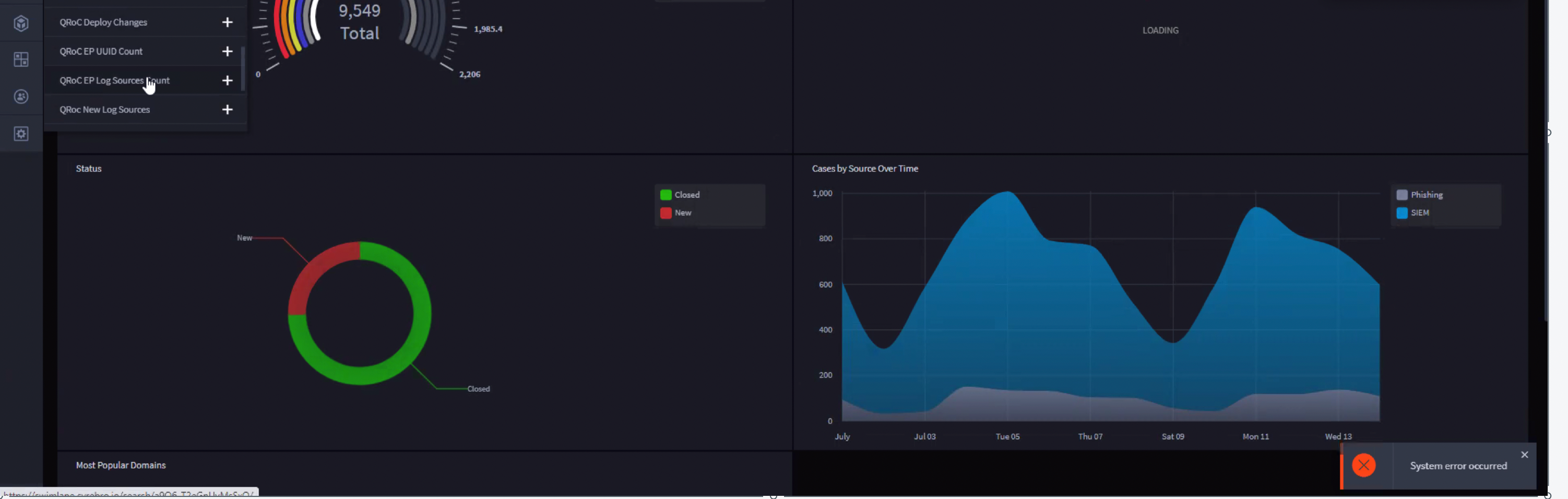
Error: "System error occurred" after successfully using content migration to move contents from dev to prod
After successfully migrating contents from Dev to prod, the application can be opened but some records throw an error: “System error occurred” when you try to access it.
Cause:
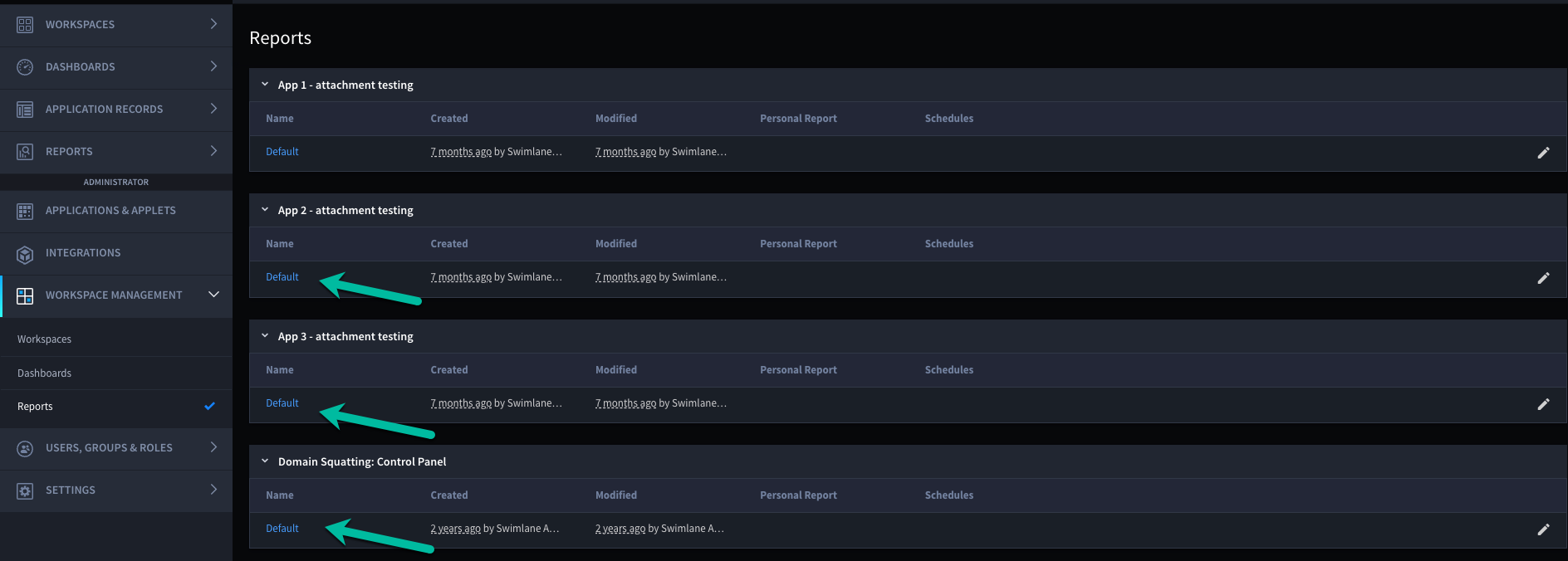
It appeared that some of the Default Reports for some Tasks were not migrated during the content migration phase.
Below is an example screenshot of what I mean. Those Default reports were missing leading to the error.
Solution:
Create the missing Default Report for those integrations, manually or using the API.
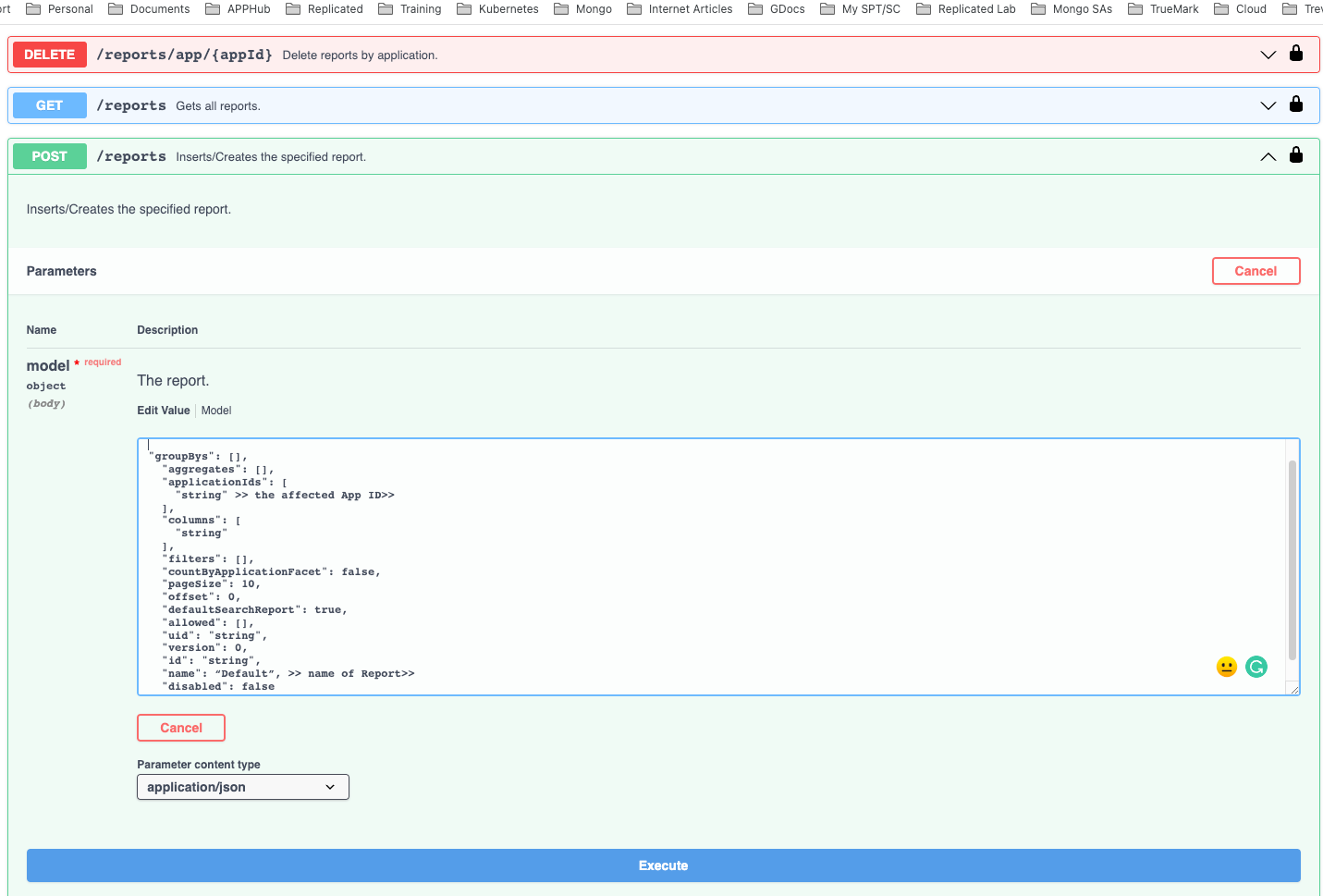
From the Swagger page we crafted the following using POST /reports:
{
"groupBys": [],
"aggregates": [],
"applicationIds": [
"string" >> the affected App ID>>
],
"columns": [
"string"
],
"filters": [],
"countByApplicationFacet": false,
"pageSize": 10,
"offset": 0,
"defaultSearchReport": true,
"allowed": [],
"uid": "string",
"version": 0,
"id": "string",
"name": “Default”, >> name of Report>>
"disabled": false
}