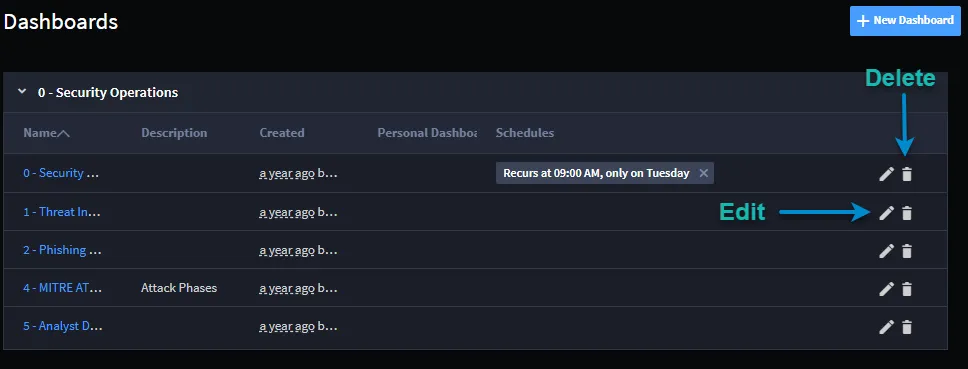
Create or Edit User Dashboards
A Swimlane dashboard is a visual display of records, reports, and charts associated with the applications in the workspace. The dashboard consists of cards. A workspace can have multiple dashboards.
Creating a New User Dashboard
To create a new dashboard:
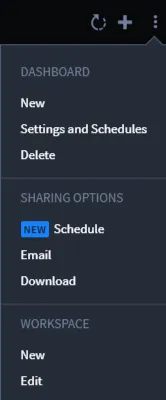
From the Dashboard taskbar menu, select New.
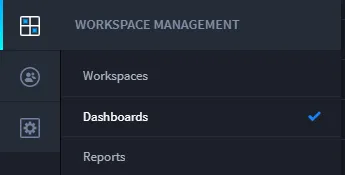
- Alternatively, you can create new dashboards from within Workspace Management on the left-navigation menu.
-
- On New Dashboard, enter the name, description and associated workspaces. The current workspace is selected by default.
-
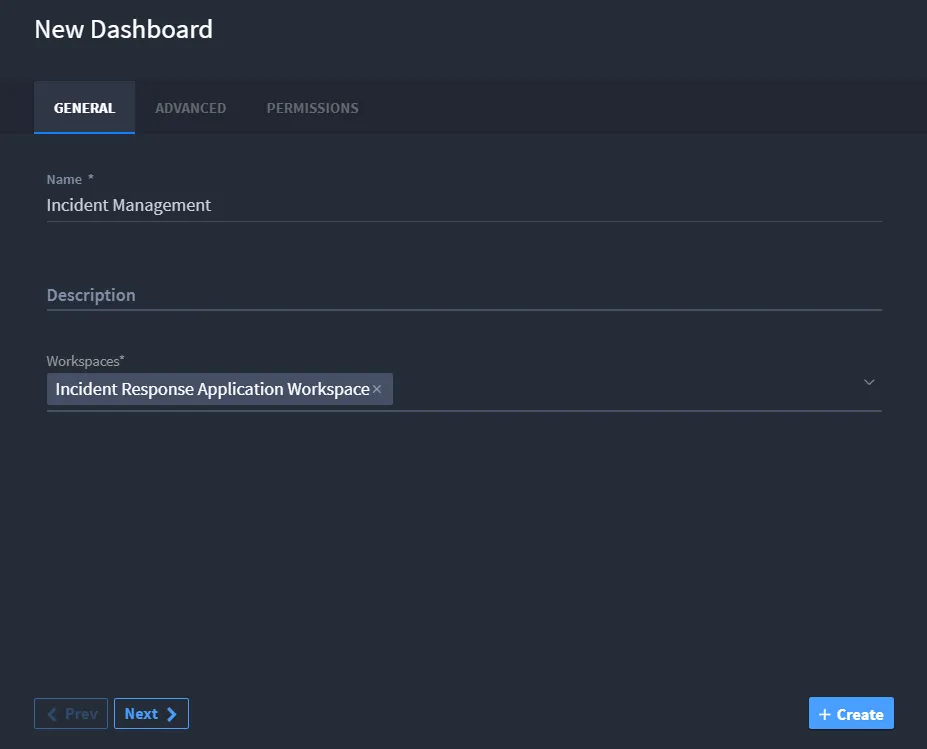
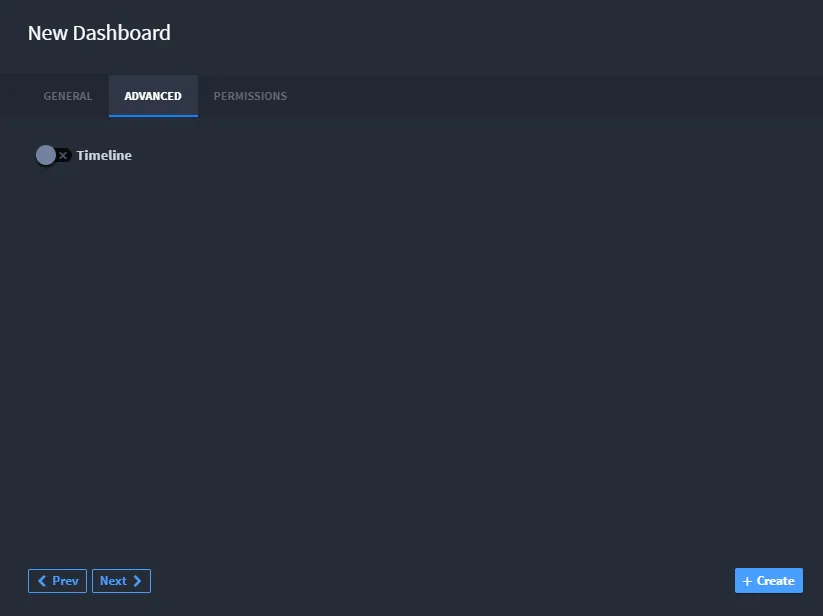
Click the Advanced tab. To indicate whether you want the dashboard to record a timeline, enable or disable the timeline switch.
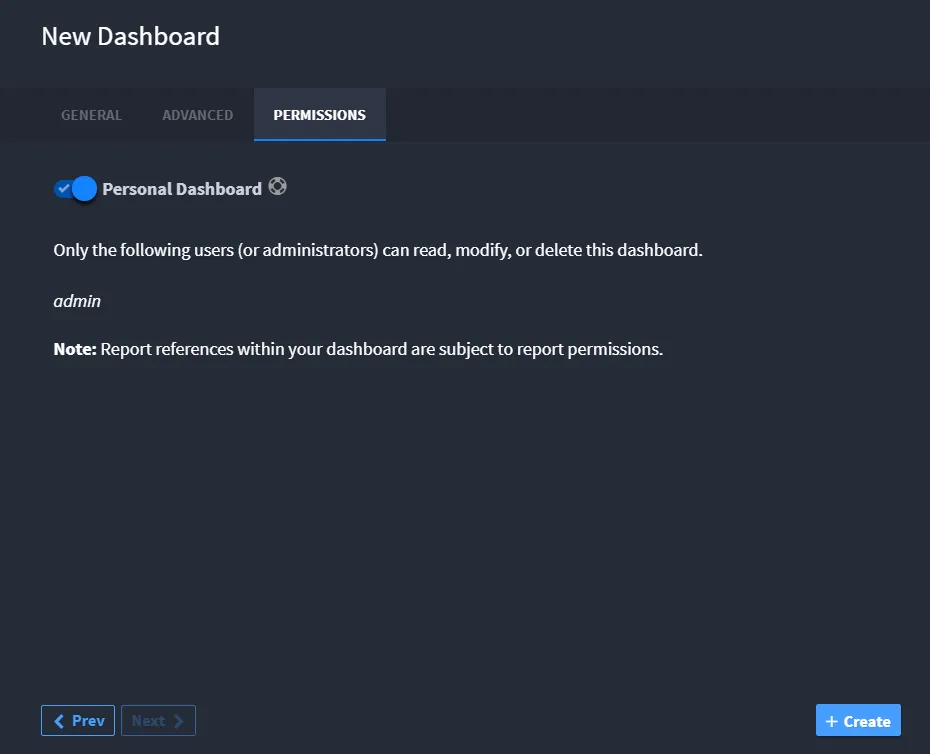
Click the Permissions tab. Specify whether the dashboard is a personal dashboard, or to specify other role-based permissions.
Editing or Deleting a User Dashboard
To edit or delete a dashboard:
From the Dashboards taskbar menu, select Edit or Delete.
You can also edit or delete a dashboard from the Dashboard page. Click the pencil or the trash can icon.