Import Data
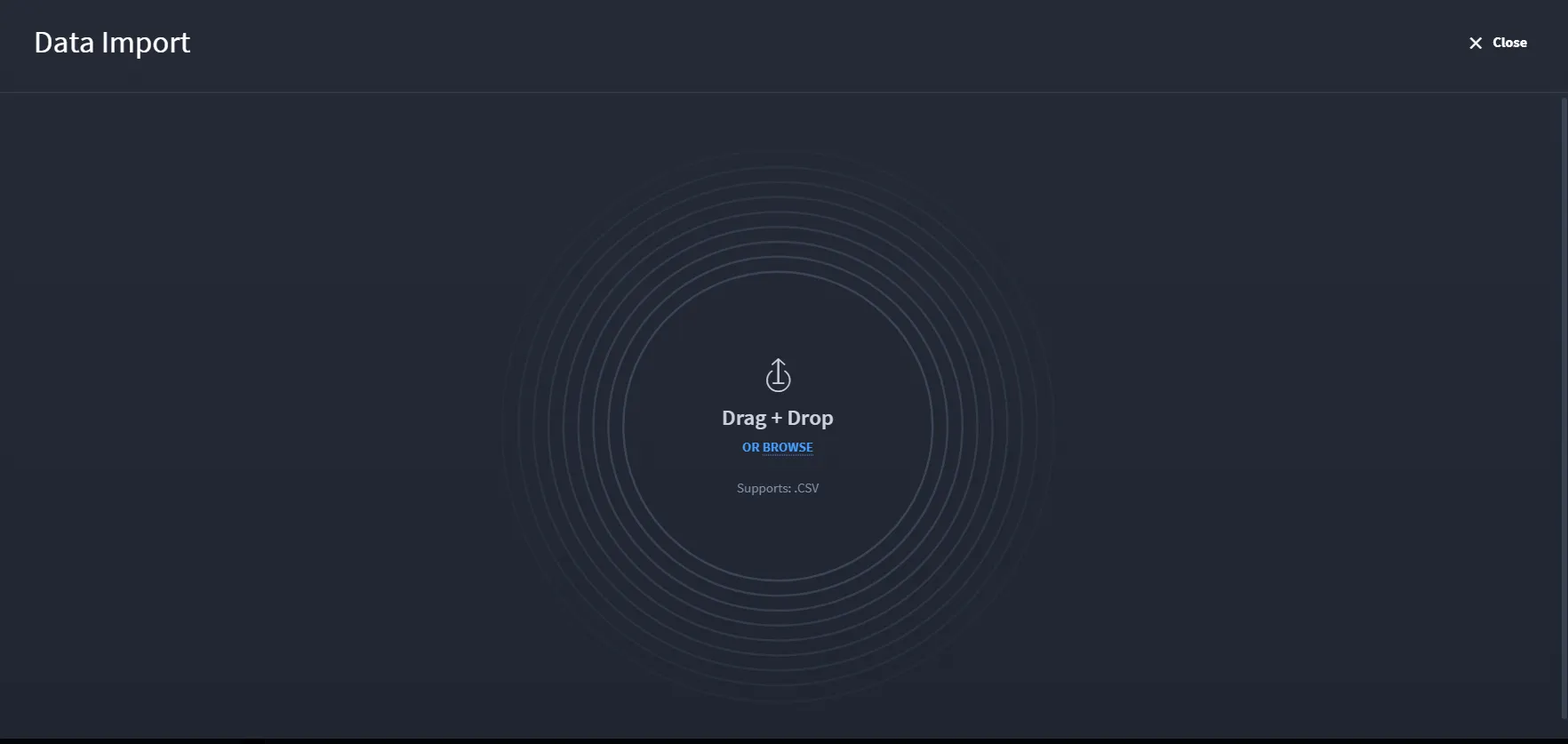
The Data Import screen allows you to upload records into the application using a simple drag-and-drop interface. You can either drag and drop their file into the upload area or click Browse to manually select a file from their local system.
Note: The import feature supports only .CSV file formats
Once a valid file is uploaded, Swimlane processes the data and maps it to the appropriate fields in the application's record schema.
Creation Source and Update Source
When the application includes Creation source and Update source, a CSV file may contain columns for those fields. Turbine does not keep the values in those columns.
- A new record receives both values from the import. The source is the user who runs Data Import.
- An updated record keeps the existing Creation source. Update source becomes the user who runs the import.
For how these fields appear on a record, see History.