Generate a Support Bundle
If you're having issues with the Turbine Platform Installer (TPI), your Swimlane support representative will likely ask you to generate a support bundle to identify the diagnostics for your issue.
Support bundles contain logs from all relevant pods, as well as other useful information from your deployment.
Airgapped Deployments
Use these instructions for an airgapped deployment.
Before you begin generating a support bundle you must first ensure that you have the support-bundle command installed.
Install the Support-Bundle Command
If you have already installed the support-bundle command, you can skip these steps.
To install the support-bundle command:
- From a computer that is connected to the internet run:
- Move the files to the server:
- Next, connect to the airgapped server and make the support-bundle file executable: chmod 777 support-bundle
- Execute the installer for support-bundle: ./support-bundle
- Finally, generate the support bundle: kubectl support-bundle /path/to/spec.yaml
- Give this support bundle to Swimlane support.
Generating a Support Bundle with CLI (Airgap)
To generate a support bundle with CLI (Airgap):
- Log in to TPI, and connect to the server.
- Run this support-bundle command:
If this command throws the following error, it means that a support-bundle file has been saved in the directory from which the commands were run:
If you do not have the support-bundle command, see Install the Support-Bundle Command.
- The support bundle uploads to your Turbine Platform Installer UI.
- From the Turbine Platform Installer UI, click Dashboard and then open the Troubleshoot tab.
- On Troubleshoot, click Download bundle.
-
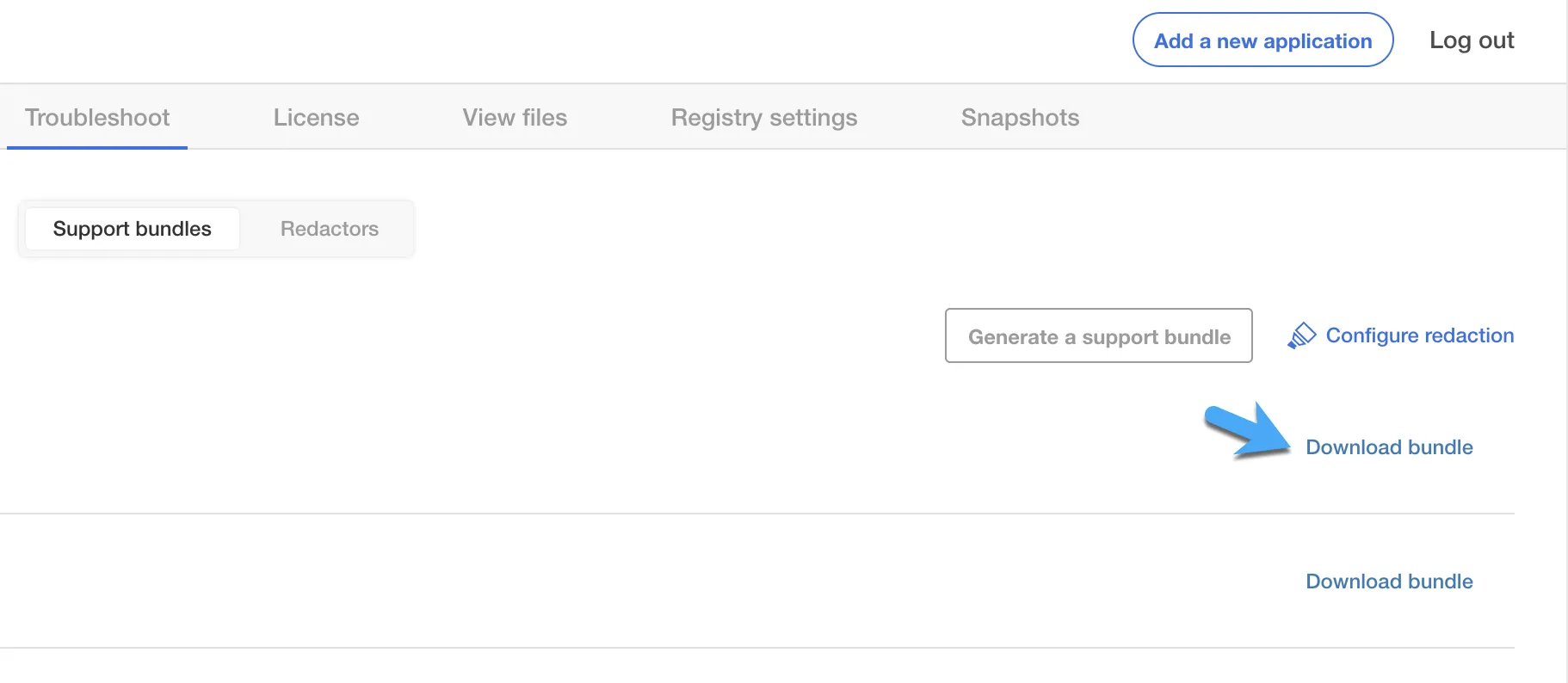
- Deliver the downloaded file to Swimlane support.
Online Deployments
Use these instructions for an online deployment that is connected to the internet.
Before you begin generating a support bundle you must first ensure that you have the support-bundle command installed. See Install the Support-Bundle Command for details.
Generating a Support Bundle with CLI (Online)
To generate a support bundle with CLI (Online):
- Log in to TPI, and connect to the server.
- Run this support-bundle command: curl https://krew.sh/support-bundle | bash
- Generate the support bundle by running this command: kubectl support-bundle secret/default/kotsadm-turbine-supportbundle
- If this command throws the following error, it means that a support-bundle file has been saved in the directory from which the commands were run:
- The support bundle uploads to your Turbine Platform Installer UI.
- From the Turbine Platform Installer UI, click Dashboard and then open the Troubleshoot tab.
- On Troubleshoot, click Download bundle.
-
- Deliver the downloaded file to Swimlane support.
Generating a Support Bundle Through the TPI UI
Use these instructions to get a support bundle from the TPI UI.
- Log in to the Turbine Platform Installer UI.
- From the Turbine Platform Installer UI, click Dashboard and then open the Troubleshoot tab. If you do not have the support-bundle command, see Install the Support-Bundle Command.
- On the Troubleshoot tab, click Analyze Swimlane.
- The TPI checks the deployment for issues. This may take some time. You will know when the process is finished once you receive an analysis overview.
- To view the content of the support bundle, click the File Inspector tab.
- To download the support bundle, click Download bundle.
- Deliver the downloaded file to Swimlane support.