Install Into an Online OpenShift Cluster
Prepare the SPI Kubectl Add-on
- Download the SPI kubectl add-on for the OS version where you run kubectl commands from:
Linux:
OSX:
- Untar the file:
- Rename the kots binary to kubectl-kots:
- Move the kubectl-kots binary into your PATH so that it can be recognized by kubectl (e.g. /usr/local/bin/)
Install the SPI Using the Kubectl Add-on
- Choose the namespace into which you are installing the Swimlane Platform Installer and Swimlane Platform. These instructions refer to this namespace as your-namespace.
- Choose the service account that the Swimlane pods will run as. These instructions refer to this service account as service-account-name.
- Create the namespace and service account with the correct OpenShift policy to run the Swimlane pods:
- Next, run:
The kubectl add-on automatically creates the namespace specified if it doesn't already exist.
If the KUBECONFIG environment variable is not set you will need to add --kubeconfig /path/to/kube/config to the install command above so that it can authenticate to your cluster.
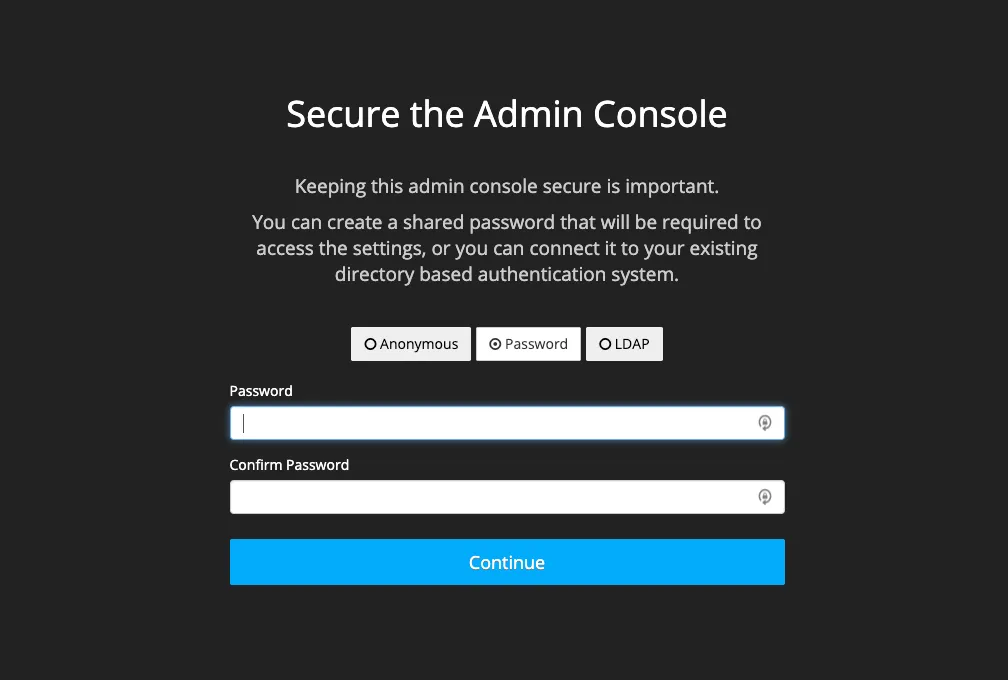
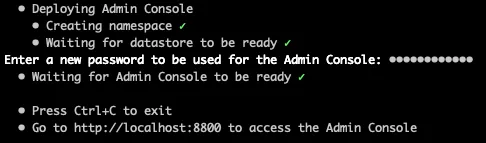
After a few moments of initialization, you are prompted to create the SPI Admin Console password.
- When the install is complete it automatically proxies the SPI UI to http://localhost:8800.
-
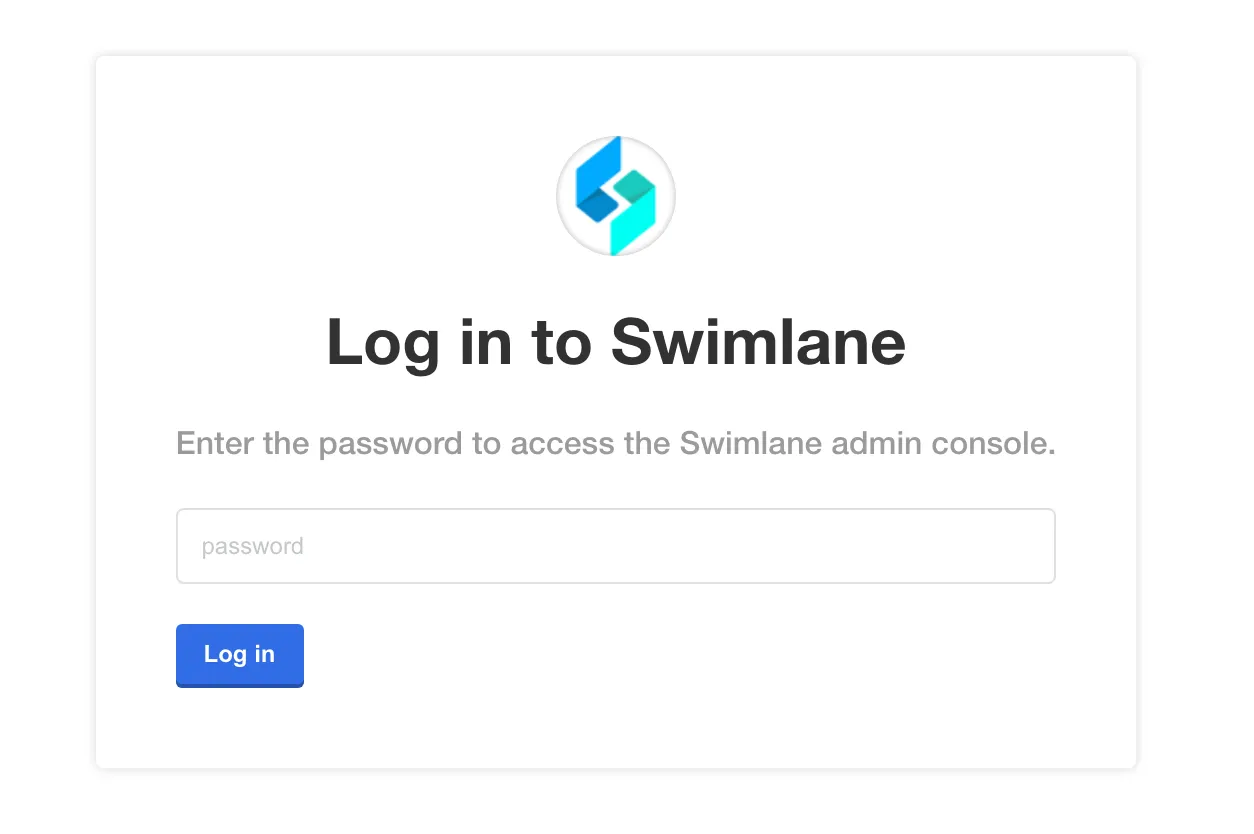
- In a Chrome browser window, access the SPI UI at http://localhost:8800 to begin configuring the Swimlane Platform.
- Enter the password you specified during the install process.
-
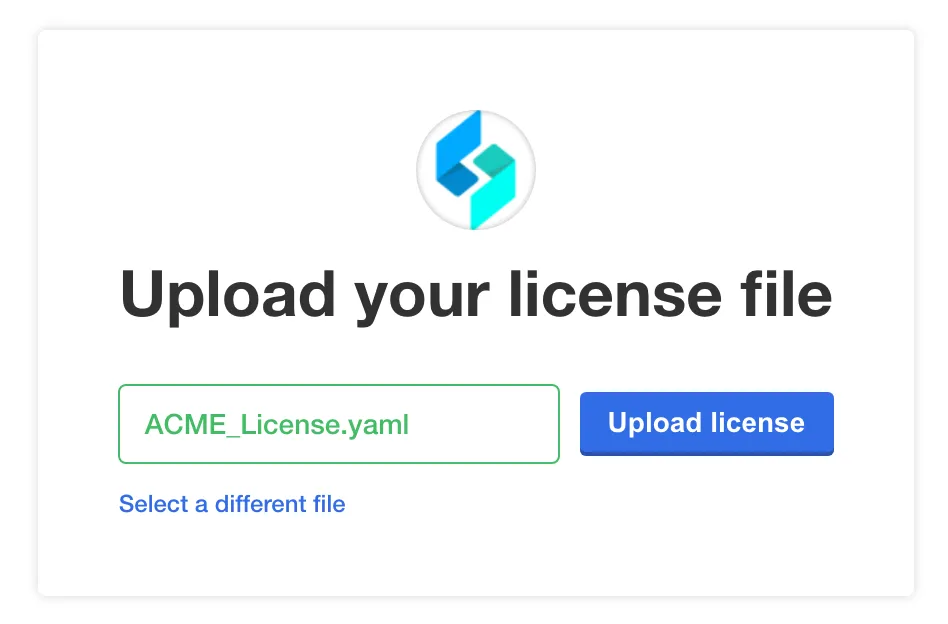
- Next, you are prompted to upload your .yaml license file. Select or drag the file, and then click Upload license.
-
- After the license is uploaded you are prompted to either install in an airgapped environment or download from the internet. At the bottom of the page, click Download Swimlane from the Internet.
- Next, see Configure the Swimlane Platform for an Existing Cluster InstallConfigure the Swimlane Platform for an Existing Cluster Install to configure and deploy Swimlane.
- After Swimlane has been deployed, more steps are required to ensure that all Swimlane pods start successfully:
The service account used by the Swimlane tools container requires an OpenShift policy be set in order to run. If you chose to have the service account used by the Swimlane Tools deployment automatically created then the service account name to specify to the command below will be swimlane-backup. If you chose to create your own service account, you will need to use the name of the service account you created for it.