Air-gap-installation-on-an-existing-kubernetes-cluster
Air Gap Installation on an Existing Kubernetes Cluster
This topic walks through the process of installing Swimlane in an existing Kubernetes cluster that is air-gapped. Air gap refers to a system that resides in a private network, "air-gapped" from external networks or the internet.
Swimlane provides the following:
- The air gap bundle
- A KOTS application license (.yaml)
- A Swimlane license (.lic)
The airgap bundle contains the images and Kubernetes manifests for Swimlane. When it comes time to update your Swimlane version, you will need a new airgap bundle. Reach out to your Swimlane support representative for access to the new bundle.
Before you begin you need:
- The airgap bundle in a jumpbox that your Kubernetes cluster can pull from
- The KOTS kubectl addon version that is currently recommended by Swimlane
- A private image registry
Verify your environment meets Swimlane's system requirementssystem requirements.
Install KOTS Kubectl Add-on
- The current recommended KOTS version is available through these Swimlane links. Download the SPI kubectl add-on for the OS version of your jumpbox:Linux:
https://get.swimlane.io/existing-cluster/install/linuxOSX: https://get.swimlane.io/existing-cluster/install/osx
- Untar the file:
- Rename the kots binary to kubectl-kots:
- Move the kubectl-kots binary into your PATH so that it can be recognized by kubectl (e.g. /usr/local/bin/):
Install the Swimlane Application using KOTS
- Choose the namespace within which you will install the Swimlane Platform Installer (SPI) and Swimlane platform. These instructions will refer to this namespace as `your-namespace`.
- Download the offline installer package to your jumpbox:
- Copy the offline installer package to the jumpbox.
- Upload the SPI container images to your private registry to prepare for installation into the Kubernetes cluster:
The upload can take several minutes.
- Install the SPI pods:
- It will automatically create the namespace specified if it does not exist.
- If the KUBECONFIG environment variable is not set you will need to add the following to the install command above so that it can authenticate to your cluster:
- After a few moments of initialization it will prompt for what you want the SPI Admin Console password to be.
-
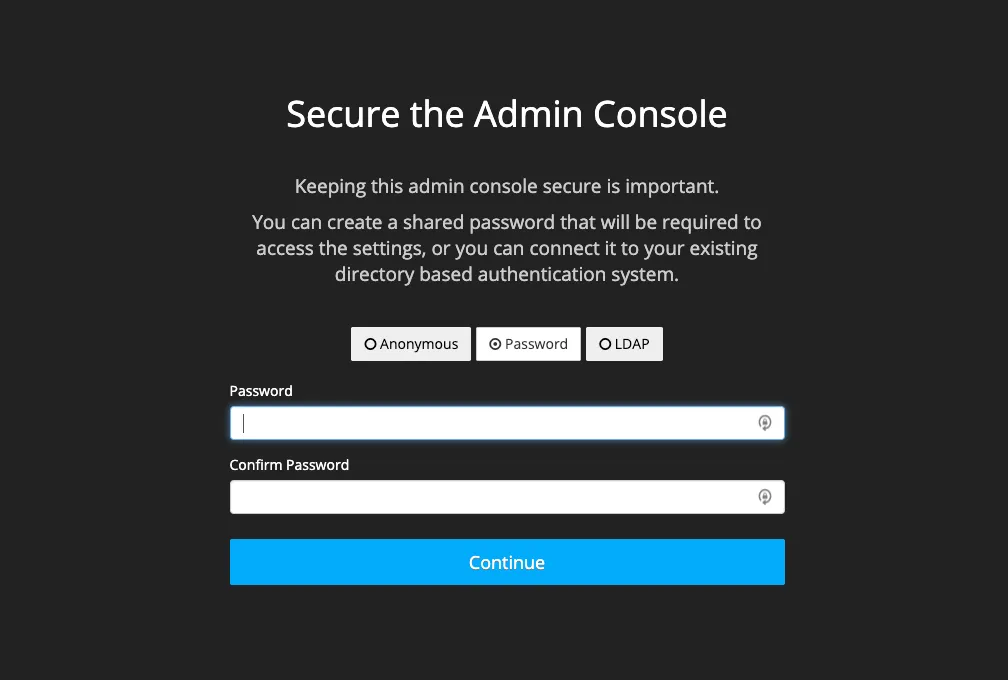
- When the install is complete it will automatically proxy the SPI UI to http://localhost:8800.
-
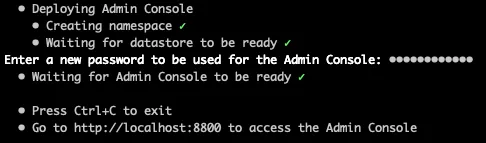
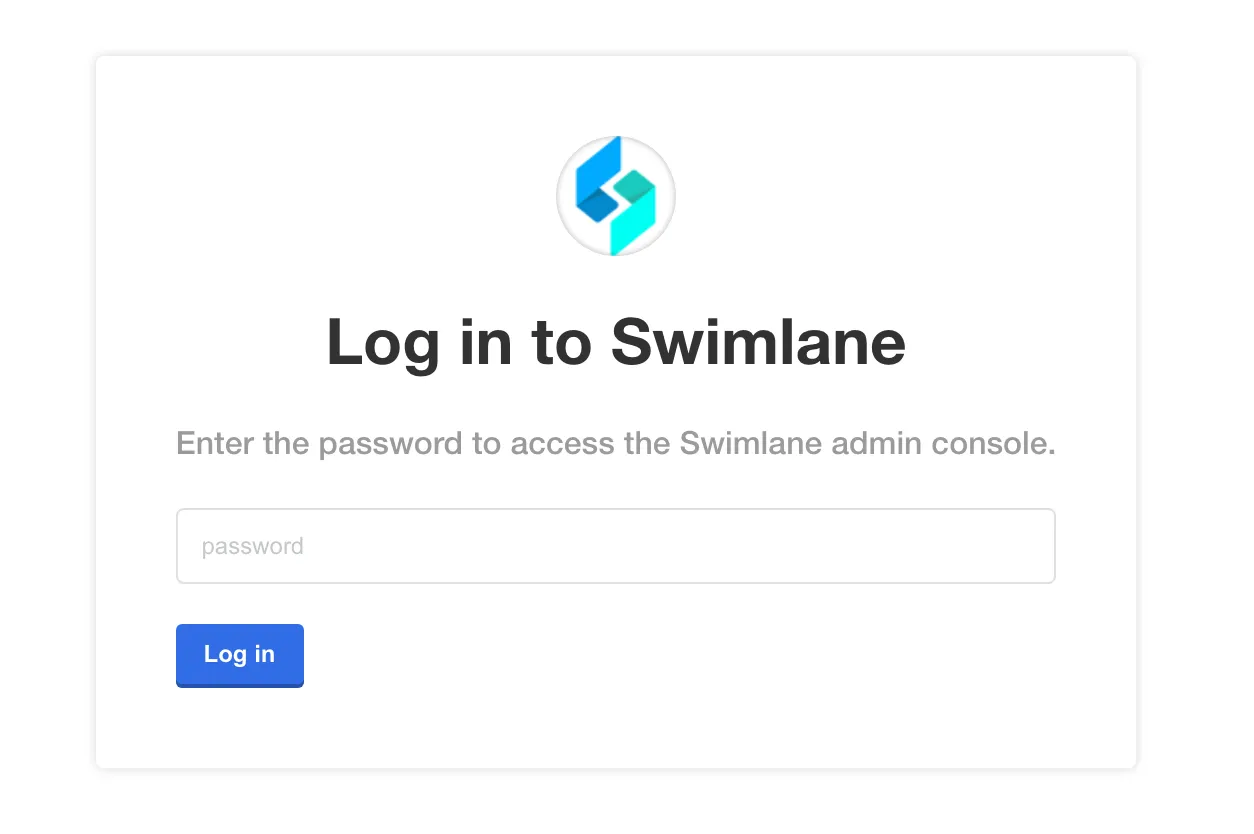
- In a Chrome browser window, access the SPI UI at http://localhost:8800 to begin configuring the Swimlane Platform.
- Enter the password you specified during the install process.
-
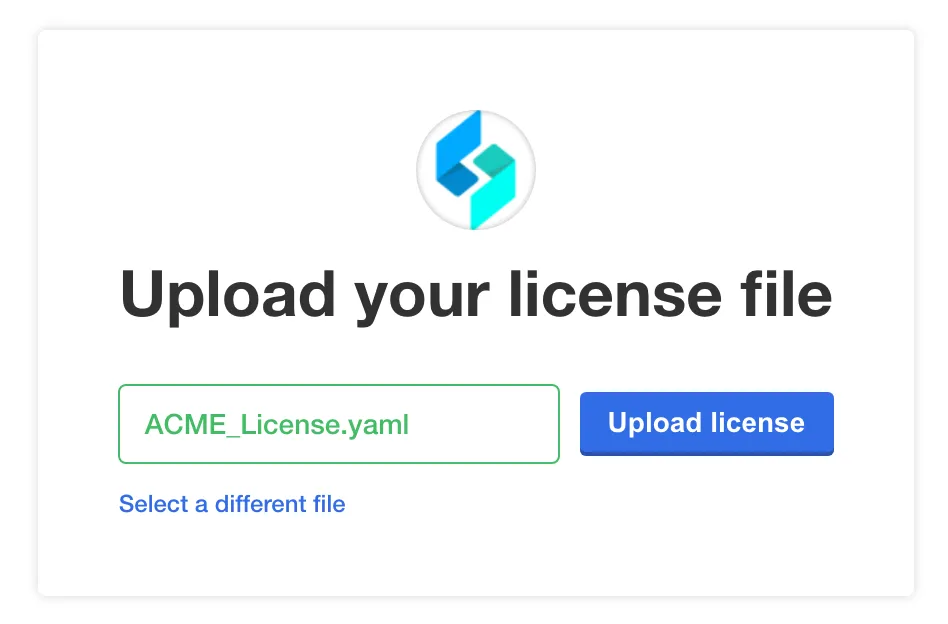
- Next, you are prompted to upload your .yaml license file. Select or drag the file, and then click Upload license.
-
- After the license is uploaded it will prompt you to confirm the private docker image registry settings.
-
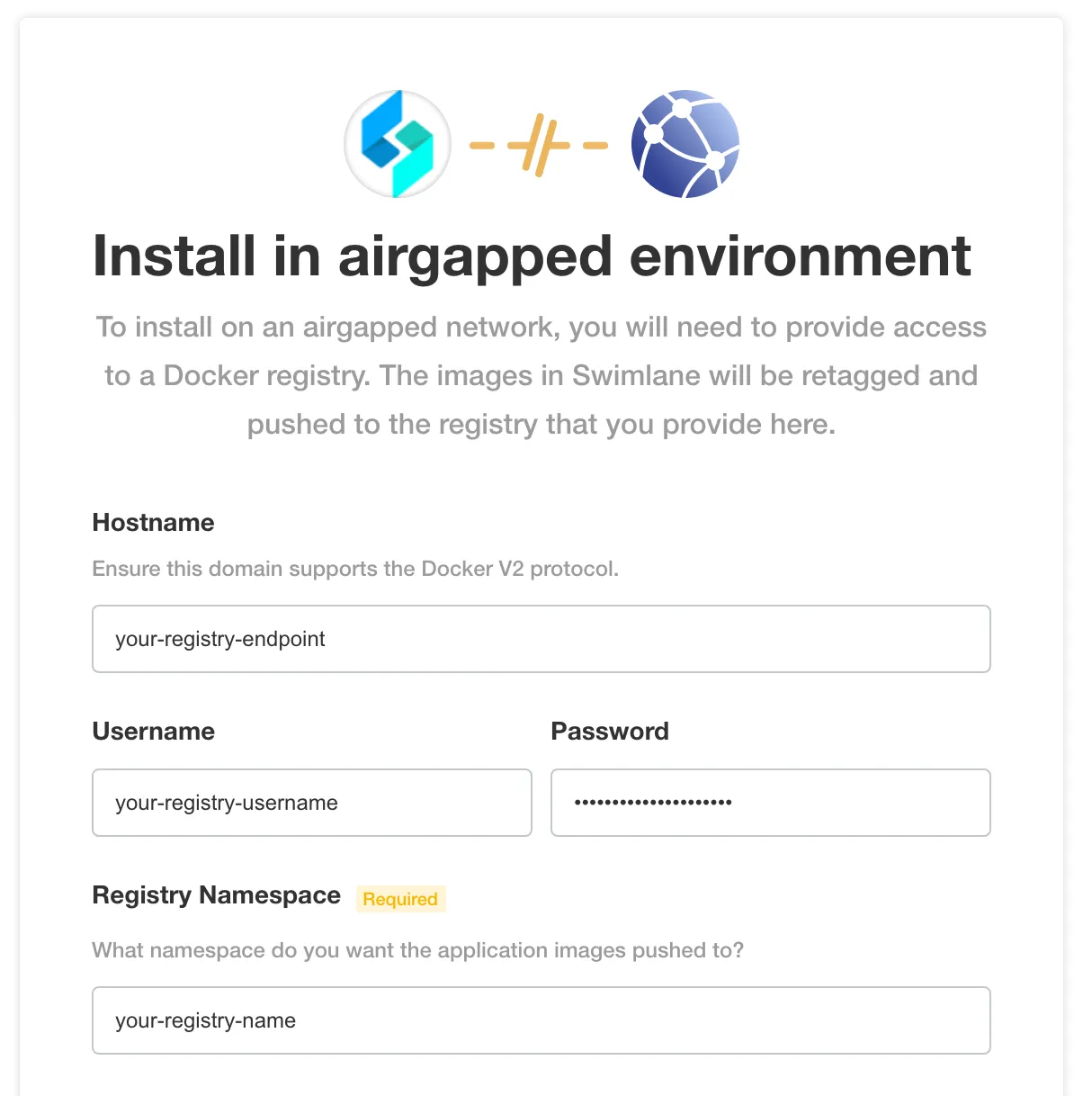
- Verify the information here is correct.
- Upload the airgap bundle.
-
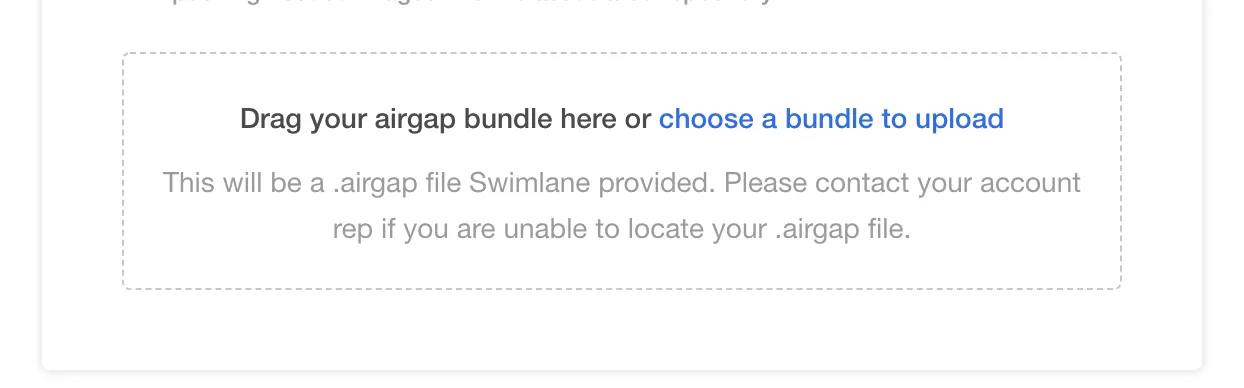
- The upload can take several minutes. After the upload is complete it extracts the bundle and pushes the Turbine platform images to your private docker image registry.
- After the Turbine platform images are pushed to the private Docker image registry it will take you to the Config page opens. This is where you configure the Swimlane platform. See the Configure the Swimlane Platform for an Existing Cluster InstallConfigure the Swimlane Platform for an Existing Cluster Install topic to configure and deploy Swimlane.