Account Settings Overview
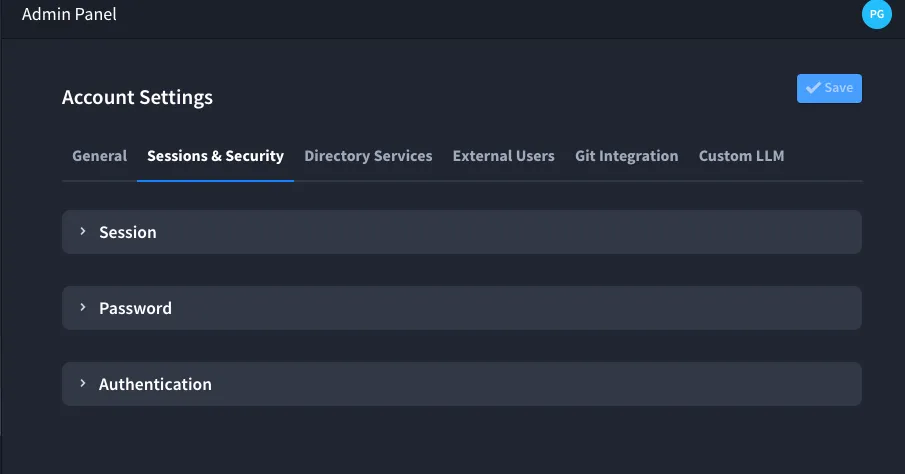
The Account Settings screen in Swimlane Turbine provides administrators with a central location for configuring key settings. This includes general settings, security configurations, directory services, and more. The available tabs include:
- General: Configure account name, domain, and other basic settings.
- Sessions & Security: Manage session timeouts, password policies, and authentication settings.
- Directory Services: Set up and sync Active Directory or LDAP configurations.
- Support: Configure support options and enable support access.
- Git Integration: Set up integration with a remote Git repository for content management and version control.
- Custom LLMCustom LLM: Route Hero AI through LiteLLM or, on some on-premises installations, Custom Bedrock (when shown).
- Branding: Customize the branding of the Swimlane Turbine instance.
The image below shows the Account Settings screen with the Sessions & Security tab selected: