Installing or Renewing A New License Key
When installing or renewing a Swimlane license, the following pair of license key files are provided by Swimlane:
- The Swimlane Application/Platform license key (.lic)
- The Swimlane Platform Installer (SPI) license key (.yml) (used for offline)
- Swimlane Application/Platform
- Install a new license
- Renew an existing license
- Swimlane Platform Installer (SPI)
- Install a new license
- Renew an existing license
- Online Deployment
- Airgapped/Offline Deployment
Swimlane Application/Platform
Install a new license
Upload the license file (.lic) during the initial setup:
Renew an existing license
- On the Swimlane UI, click on ‘SETTINGS’ in the navigation bar to expand the Settings menu:
- In the Settings menu, click on ‘Advanced’:
- Click the arrow next to ‘LICENSING’ to expand the License Details pane:
- Click the ‘Upload License’ button on the bottom of the License Details screen.
- When prompted, navigate to your saved Swimlane license file (.lic).
- Select the file and upload it to Swimlane.
- You should see the details of your new license in the License Details pane.
- Verify that the expiration date of your new license is correct and that the ‘Valid:’ field is set to “true”.
- Your license has been installed.
Note: If you receive an invalid license key error, follow the steps outlined here to clear the cached license key.
Swimlane Platform Installer (SPI)
Log in to an administrative console of the Swimlane Platform Installer.
Install a new license
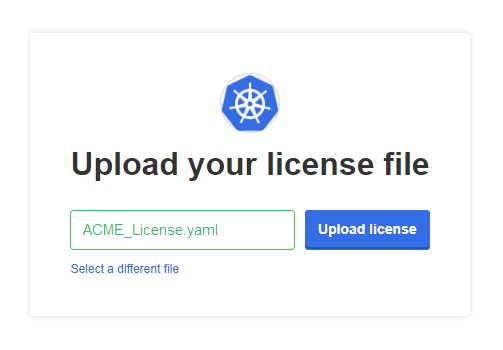
Upload the license file (.yml) during the initial setup:
Renew an existing license
Navigate to the Dashboard > License tab:

Online Deployment
Click "Sync license" to auto-update the license and confirm the new expiration date.

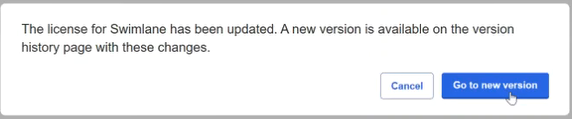
NOTE: The Swimlane team has to upload the license to your system before you can sync. Please, reach out to your Customer Success Manager with the request
Airgapped/Offline Deployment
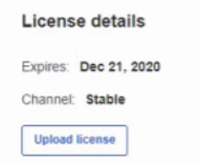
Click "Upload license" to upload the new SPI license key (.yml) and confirm the new expiration date.
Replace an existing license
To replace a "Trial" license with a "Paid" license please open a ticket with Technical Support.